KW5515 LinkSmart Wireless Router User Manual
9
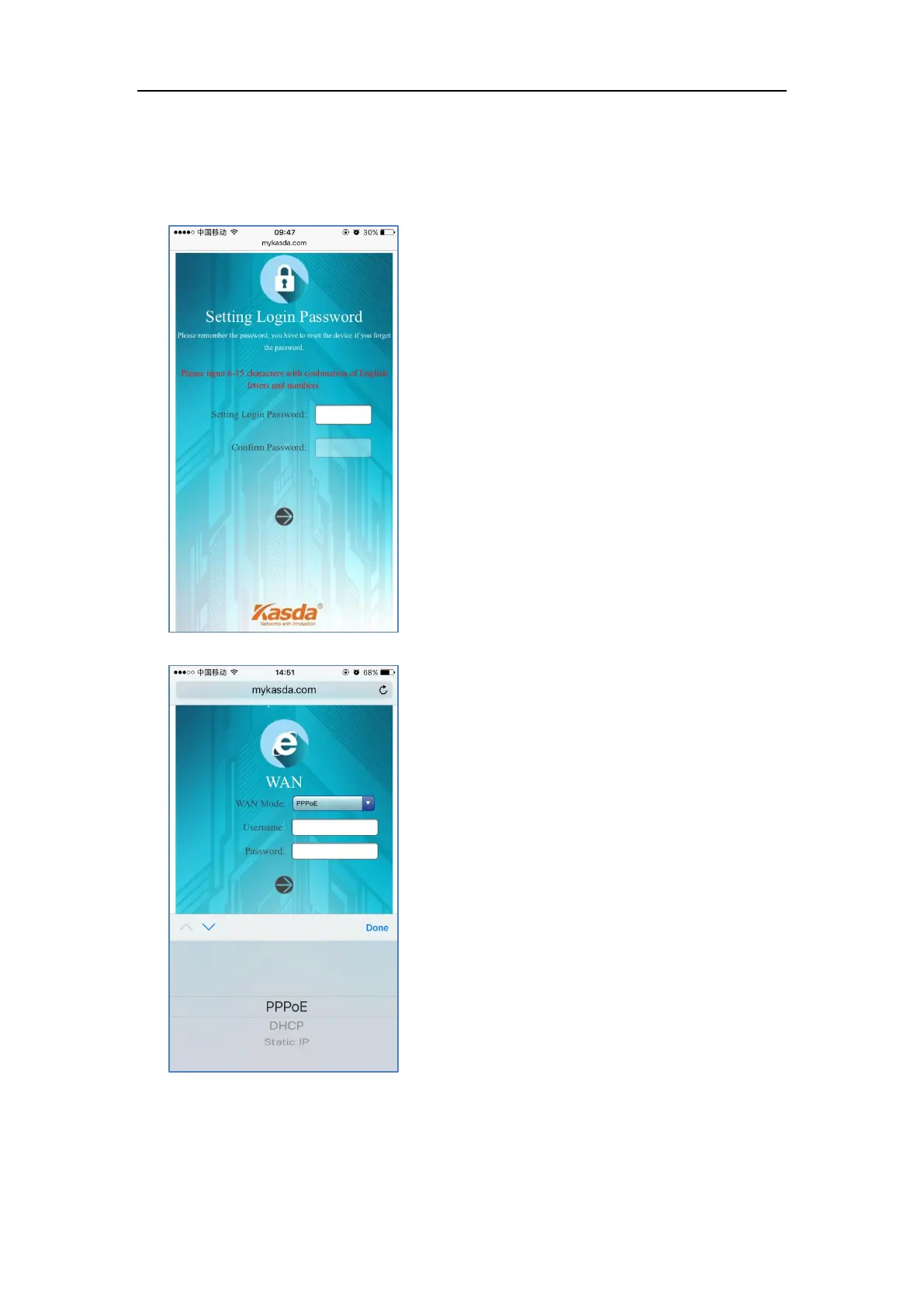
1. Connect your phone to router by using default WiFi network name and password,
which are printed on product label at the bottom of the router.
2. Launch a browser on your phone to log in router with www.mykasda.com. Setup
your initial login password and then click next button to continue.
3. Select the WAN Mode
If you don’t need any Internet connection information, choose “DHCP”.


 To Next Page