KW5515 LinkSmart Wireless Router User Manual
17
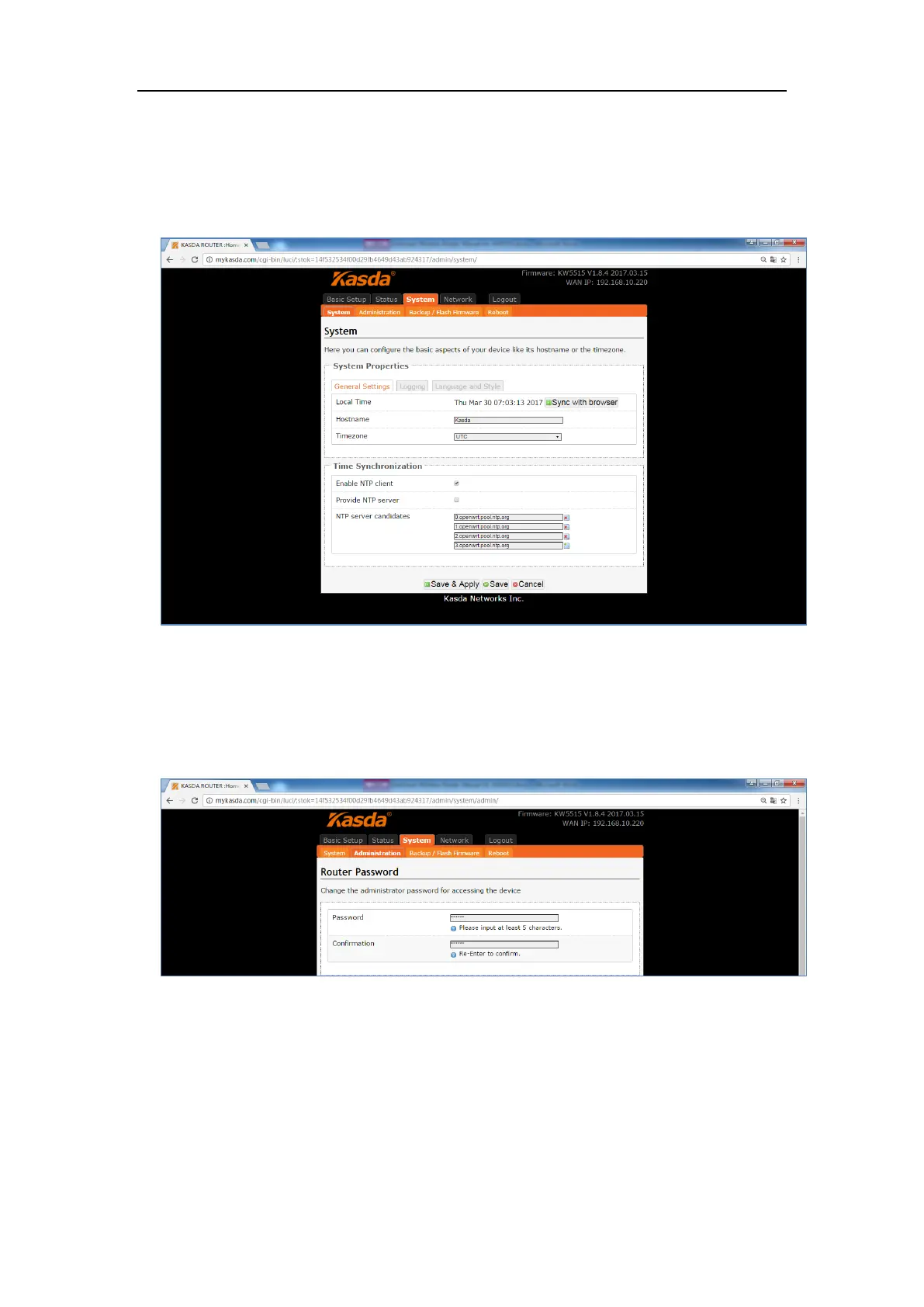
6.2.1 System
Here you can configure the basic aspects of your device like its hostname, time
-zone, language and style.
6.2.2 Administration
Click “Administration”, you will go to the Router Password page, and you can
change the administrator password for accessing the device.
6.2.3 Backup / Flash Firmware
Click “Backup / Flash Firmware”, you will go to the Flash operations page. On this
page, you can do the backup or update the firmware version of routers.


 To Next Page