Wireless ADSL Router USER MANUAL
24
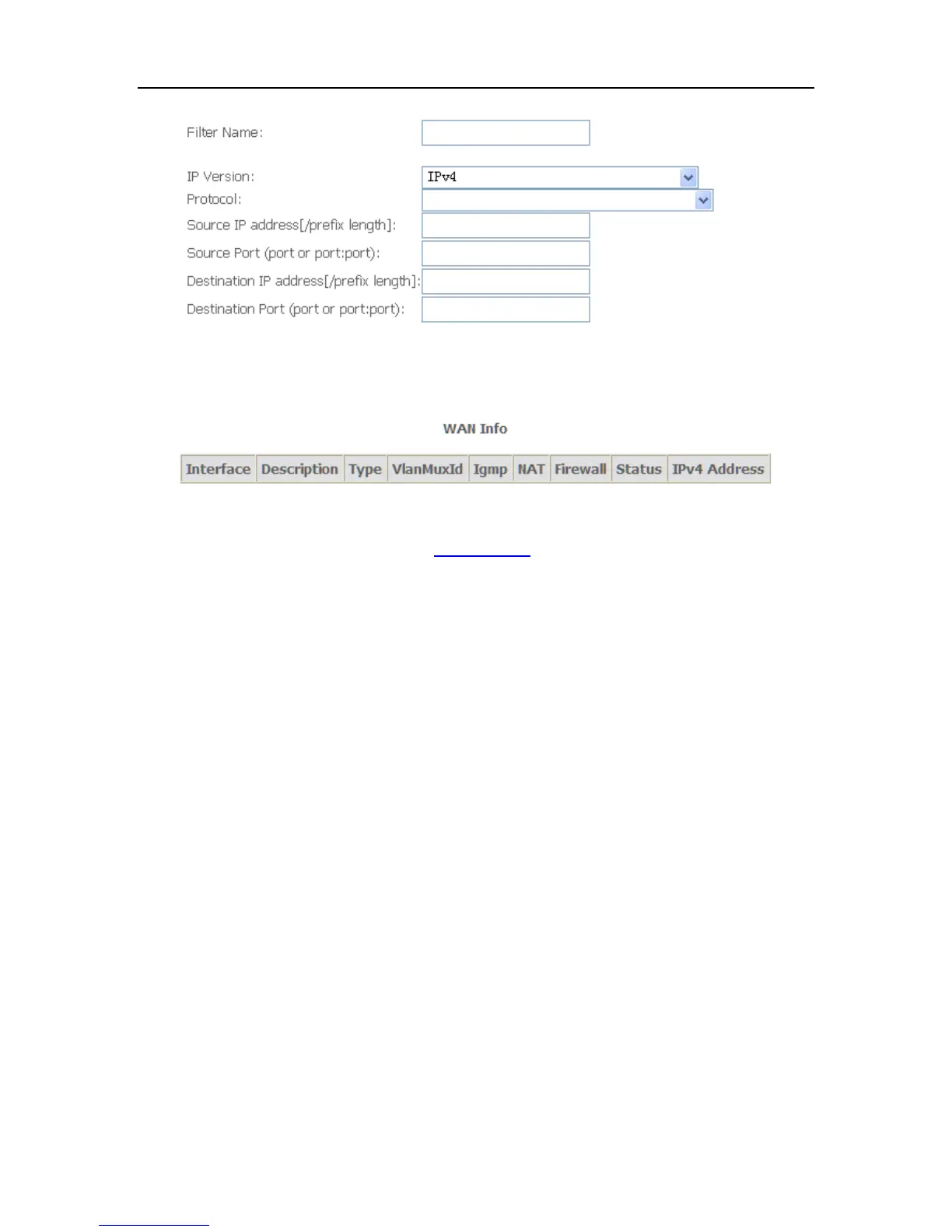
3.Click Apply/Save and select Device Info=>WAN. You can see the IP address of
WAN interface
4.Now you can access the ADSL router remotely using username support and
password support. You can input http://x.x.x.x/ for Http and input telnet x.x.x.x for
Telnet.
5.4.2 TR-069 Client
WAN Management Protocol (TR-069) allows a Auto-Configuration Server (ACS) to
perform auto-configuration, provision, collection, and diagnostics to this device.



 To Next Page