Wireless ADSL Router USER MANUAL
29
making a connection to the ACS using the CPE WAN Management Protocol. This
username is used only for authentication of the CPE.
Connection Request Password: Password used to authenticate the CPE when making
a connection to the ACS using the CPE WAN Management Protocol. This password is
used only for authentication of the CPE.
Note: If you want to cancel all modification that you do on the Router, please
select from “AdminCommit/RebootFactory Default
ConfigurationReboot” to restore factory default settings.
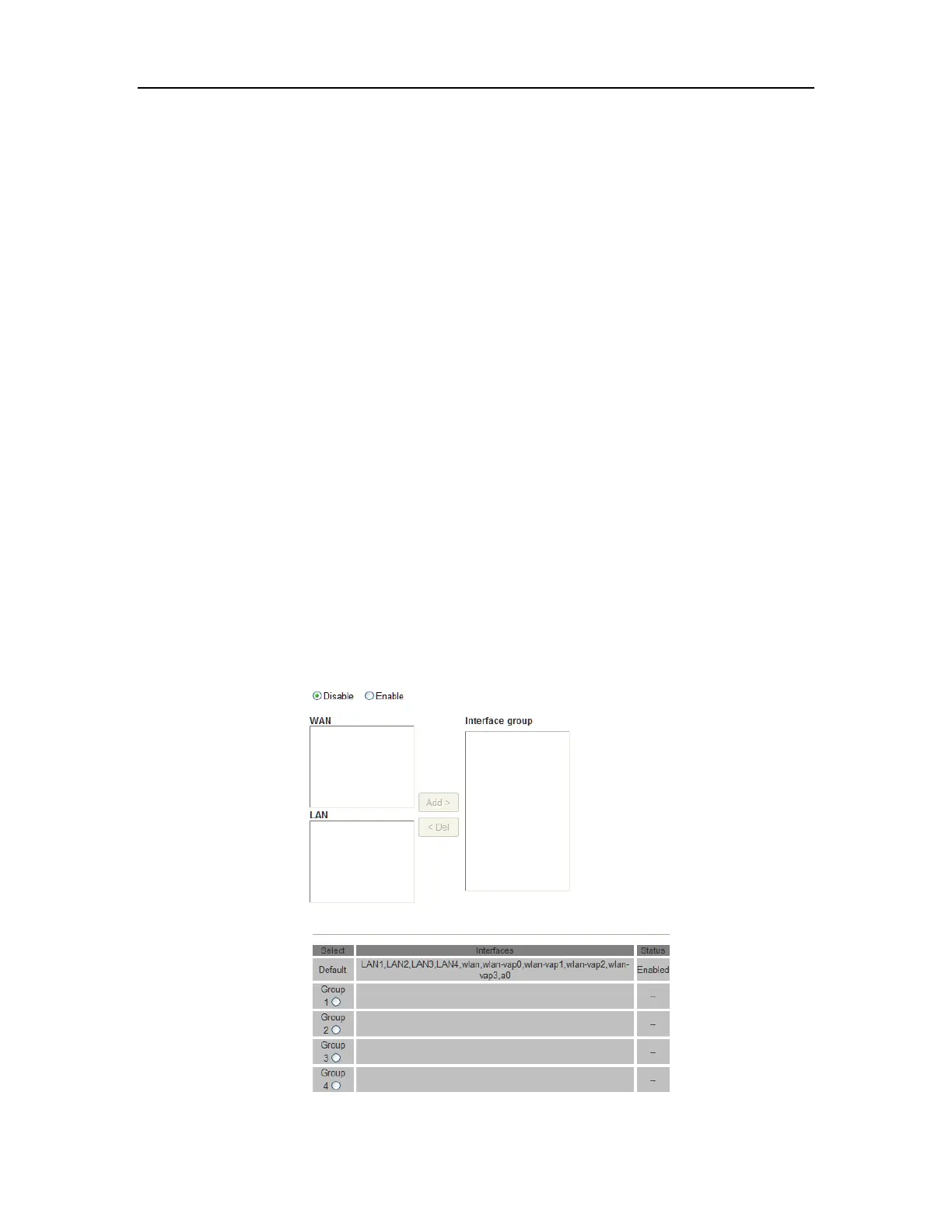
5.4.2 Port Mapping
Port Mapping supports multiple ports to PVC and bridging groups. Each group will
perform as an independent network. To support this feature, you must create mapping
groups with appropriate LAN and WAN interfaces using the Add button. The Del button
will remove the grouping and add the ungrouped interfaces to the Default group. Only the
default group has IP interface. For example, if you have PVC 8/35 and PPPoE service for
internet, PVC 0/33 and bridge for IPTV, you can set the interface as the Default group
and others as group IPTV as below.
1. Select Port Mapping from Advanced.



 To Next Page