Page 10
BASIC OPERATIONS: Getting Started
Getting Started
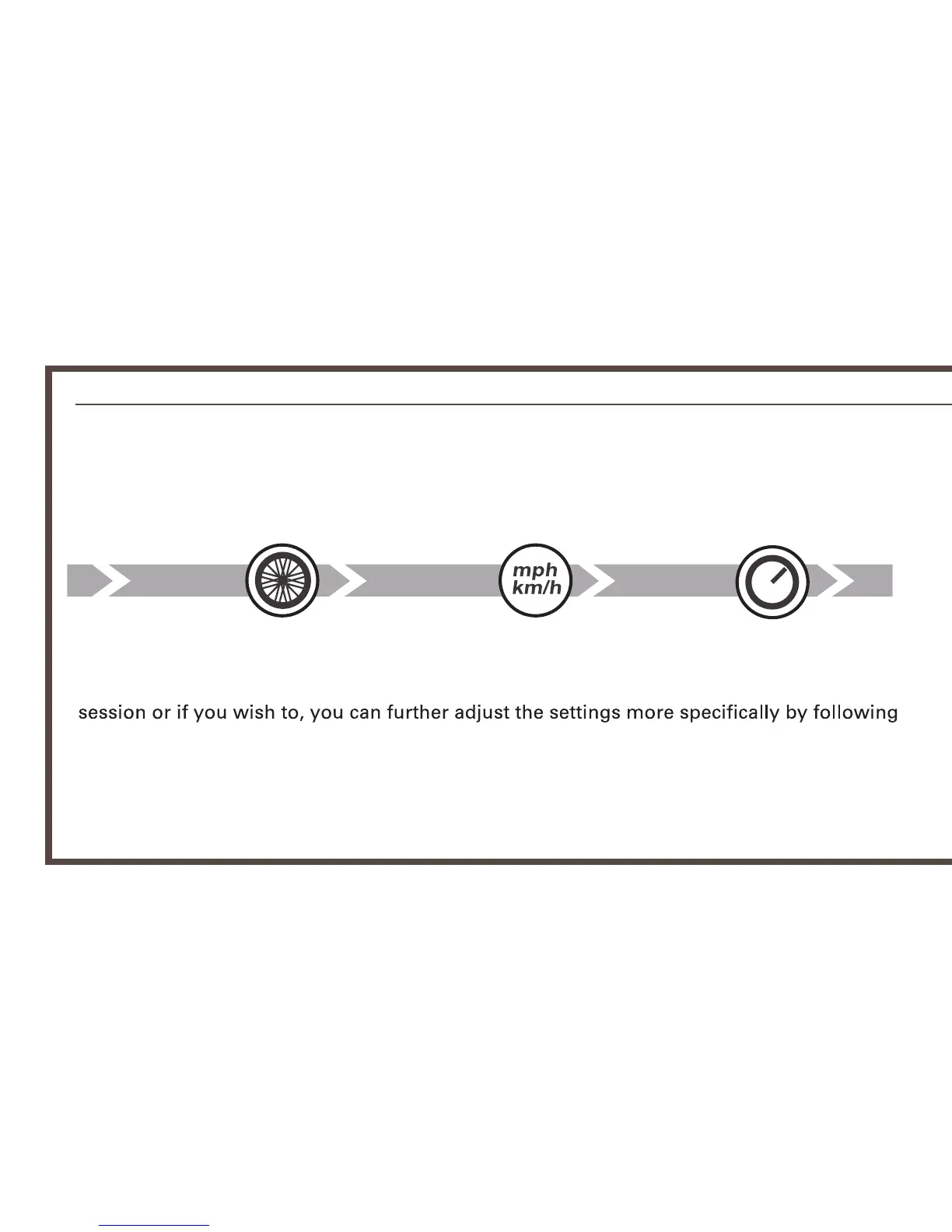
When the computer is turned on whenever the battery is re-installed,
the following start up settings will automatically begin.
Wheel Size
km/h or mph Clock
See pages 18-19 (GENERAL SETTINGS) for setting sequences. Follow the icons on top.
Once the setting is done the standby screen will be visible. From here you can start your
steps on pages 18-19.
* Setting will be skipped to the default time display when in-active for 30 seconds.


 To Next Page