Page 12
BASIC OPERATIONS: Power-Saving
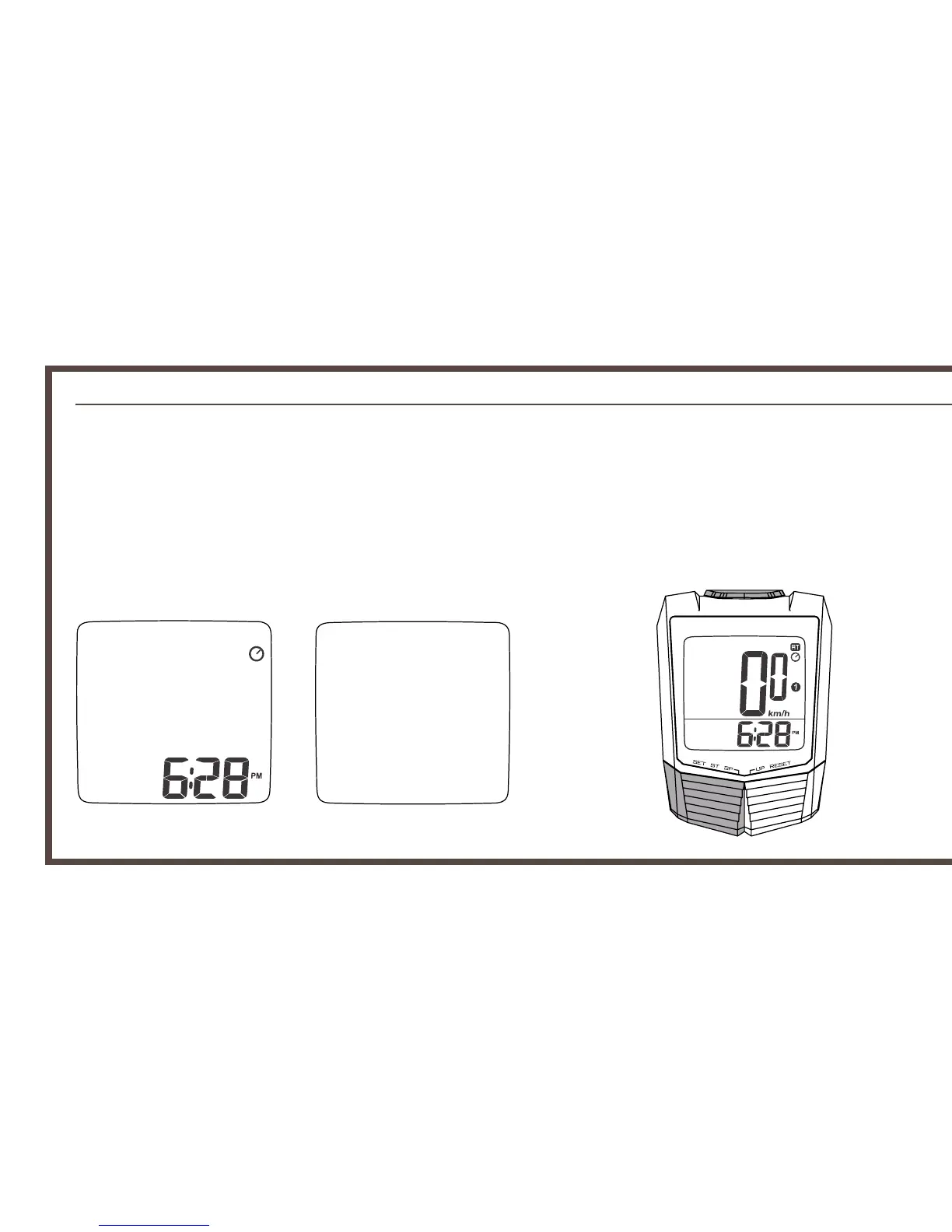
Power-Saving Mode
Sleep Mode
Set/Start/Stop
Mode
Power-Saving
When the computer is inactive for 10 minutes, it will enter the power-saving mode,
where only the clock will be visible.
When the computer is inactive for 2 weeks or more it will enter sleep mode, where
all visible information will be disabled. Press the MODE or SET/START/STOP key to
bring back the screen back.


 To Next Page