EasyManua.ls Logo

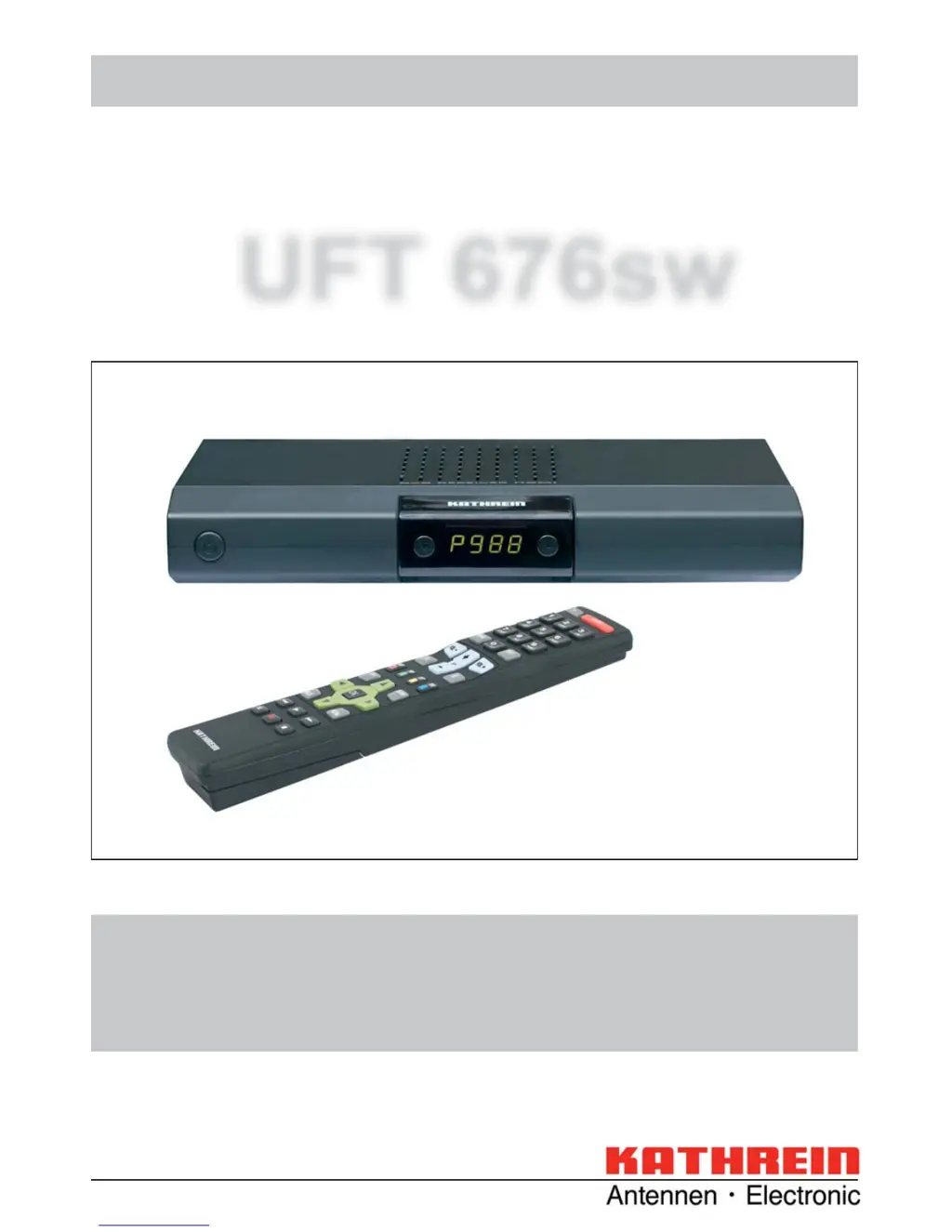
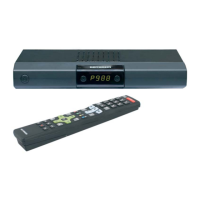
Kathrein UFT 676sw - User Manual

Kathrein UFT 676sw
64 pages
Print Icon
To Next Page IconTo Next Page
Loading...
Operating manual English
UFT 676sw
DVB-T receiver

Table of Contents

Questions and Answers

  • G
    gilesnathanAug 10, 2025
    Why does my Kathrein Receiver show 'No or bad signal'?
    • J
      Jesse WrightAug 10, 2025
      If you are seeing a “No or bad signal!” warning on your Kathrein Receiver, it could be due to a missing or faulty antenna signal from the DVB-T antenna. Also, check if the “Antenna Power” in the “Antenna configuration” menu is set to “Off” when using an active antenna. It is suggested to consult an antenna specialist to check the antenna and repair it if needed. If you're using an active antenna (like a BZD 30 or BZD 40), set the “Antenna Power” to “On” in the “Antenna configuration” menu.
  • A
    Alexandra KnappAug 18, 2025
    What to do if Kathrein UFT 676sw remote control is not responding?
    • A
      Amy CurtisAug 18, 2025
      If the remote control for your Kathrein Receiver stops responding, the receiver or remote control command set may have been unintentionally changed. To resolve this, try setting infrared code 1 by pressing the buttons simultaneously. Also, check the batteries in the remote control.
  • T
    Teresa WellsAug 26, 2025
    How to fix wrong time displayed on Kathrein UFT 676sw?
    • K
      Katherine FreemanAug 26, 2025
      If your Kathrein Receiver is displaying the wrong time, the “Summer Time” setting might be incorrect, or an incorrect time was imported from the reception signal. To fix this, go to the “Settings” - “Date and time” menu and check the “Summer Time Enabled” setting, changing it as needed. Additionally, switch off the receiver at the mains switch from the current channel (e.g., ARD or ZDF), wait 10 seconds, and then switch it back on.
  • G
    garymaciasSep 3, 2025
    What to do if Kathrein UFT 676sw Receiver shows black or blue screen?
    • R
      Robert HillSep 3, 2025
      If your Kathrein Receiver shows a black or blue screen with no on-screen displays, it's possible that the Scart connection to the TV was deactivated by accidentally pressing the 0 button. To restore the picture, keep pressing the 0 button until the TV picture reappears on the screen.

Kathrein UFT 676sw Specifications

General IconGeneral
BrandKathrein
ModelUFT 676sw
CategoryReceiver
LanguageEnglish

Related product manuals