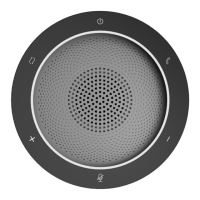
3. How to power on/off
Press power button and hold on 3s, the white power indicator LED will light up
and the switch mode LED will flash.
If you want to use USB mode, please tap the switch mode button; If you want to
use Bluetooth mode, please search Bluetooth SPEAKERPHONE SP200 in your
target device.
Press power button and hold on 3s again, the device will power off and all LED will
be off.
4. How to charge
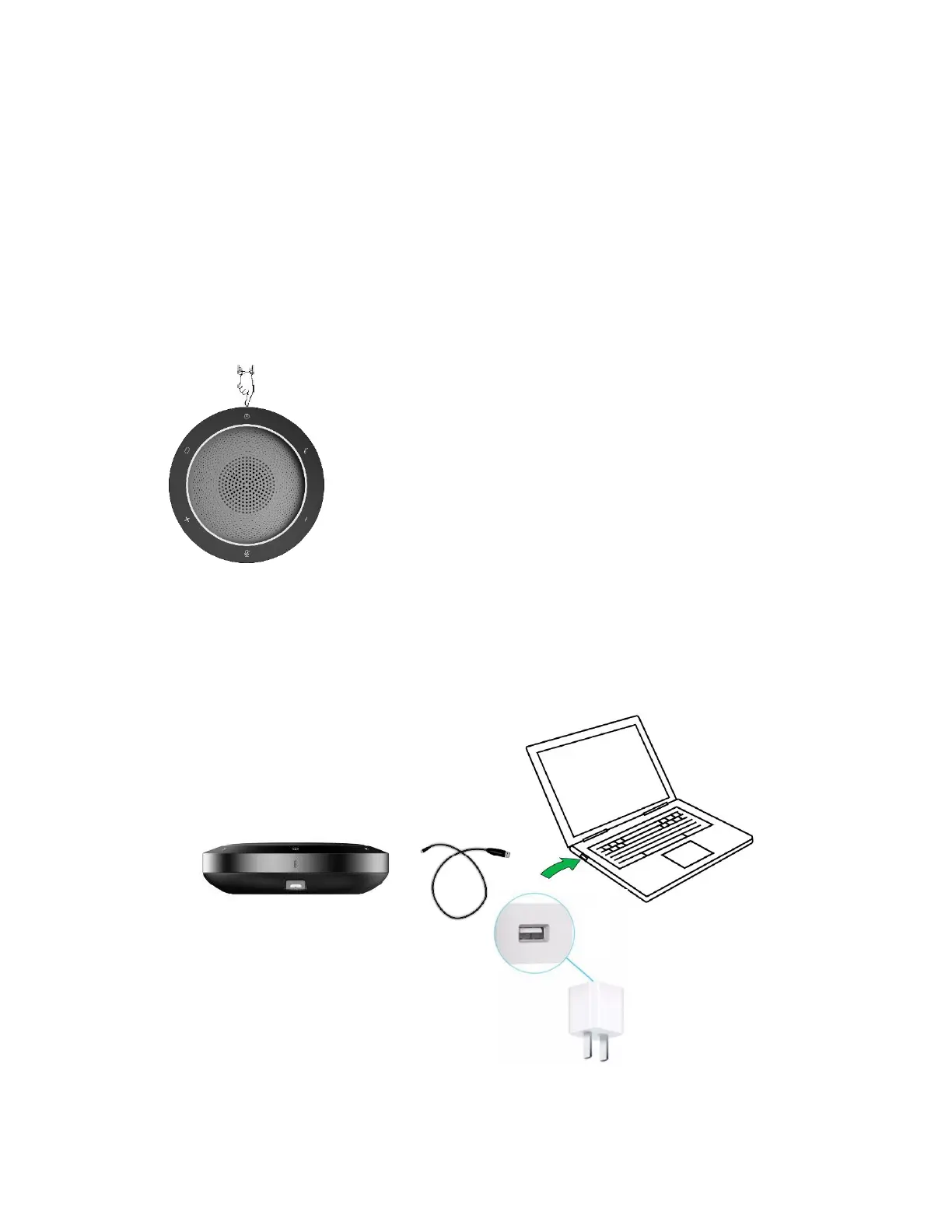
Please insert USB cable in the micro USB port of SP200. Then connect USB type A
interface with PC’s USB port or 5V external charger.
When the device is charging, the red power indicator LED will light up, the LED will
off when it is full charged.
*AC adapters are purchased separately
*only UL certified ITE power supply can be used. The electrical rated output is 5V
DC, 1A current is minimum required.


 To Next Page
 Loading...