5. How to connect
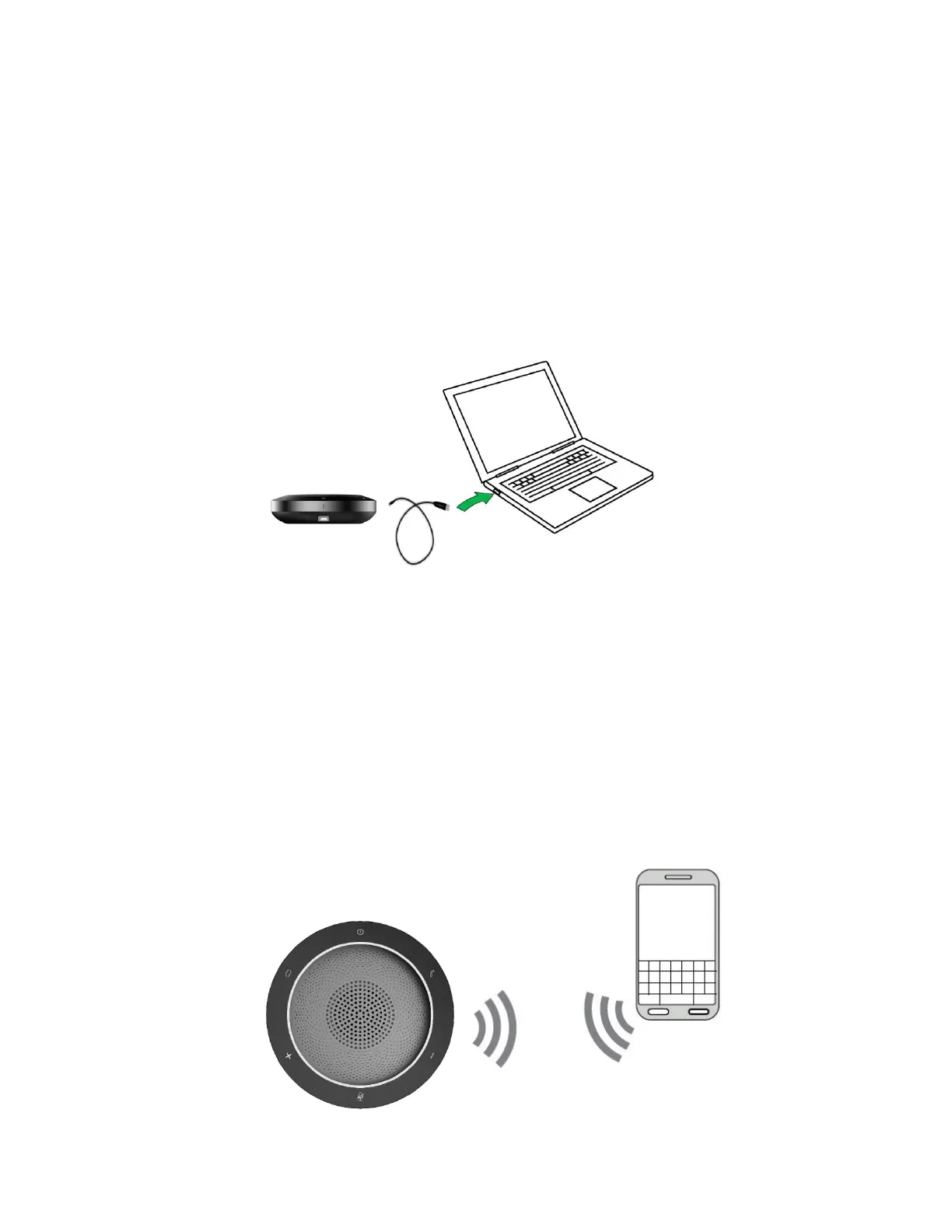
1. Connect with PC
Please use USB cable to connect SP200 with target PC;
Press power button and hold on 3s, the power indicator LED will light
up and the input source switch LED will flash, then tap the switch
mode button to enable USB mode;
Please set the SP200 as default output and input audio device.
2. Connect to smartphone with Bluetooth
Press power button and hold on 3s, the white power indicator LED
will light up and the blue switch mode LED will flash. Then SP200 is
in the Bluetooth mode;
When host device has connected with SP200, the blue switch mode
indicator LED will be not flashing and keep lighting;
Press power button and hold on 3s again, the Bluetooth will power
off and the switch mode indicator LED will be off.


 To Next Page