Wireless Ethernet PtP & MP System Operations Manual
ADVANCED OPERATION (CONTINUED)
G. ADVANCED – SYSTEM
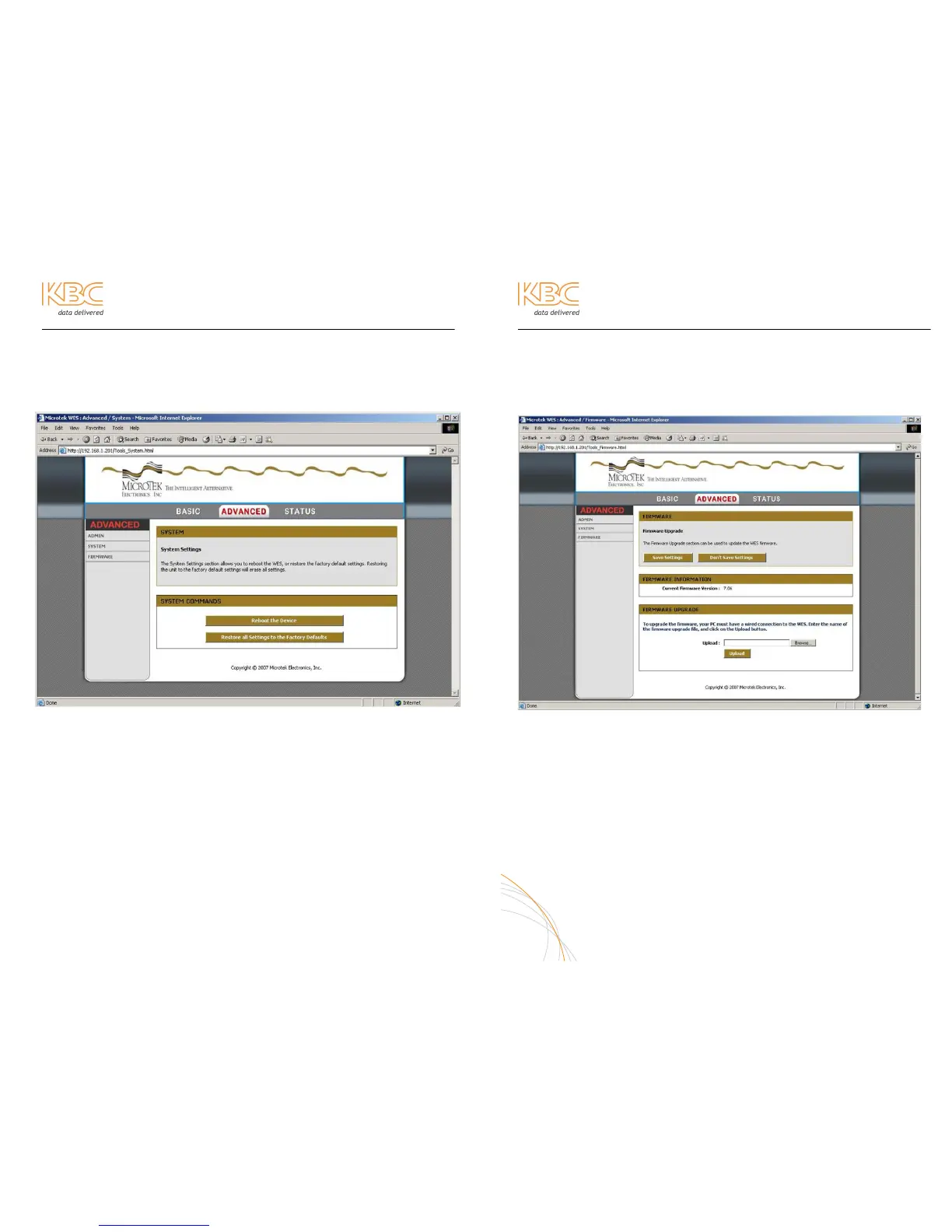
To reboot the system and/or bring to default settings, visit the system page of the
Advanced tab.
SYSTEM COMMANDS
Reboot to save any changes applied while reconfiguring the system. A reboot
button appears after a saved change so it is not required to come to the
Advanced/System page of the interface.
If the firmware is updated, a restore to defaults may be necessary. Defaults are as
follows:
GUI Password: admin (all lower case)
LAN IP: 192.168.1.200 (Host); 192.168.1.201 (Client)
Subnet Mask: 255.255.255.0
Gateway: 192.168.0.1
Frequency Selection: Use Rotary Switch (which ever channel selection is made on
the switch)
Super Mode: Disabled
Encryption & Cipher: WPA-2; AES
Device Name: WES SP Host; WES MP Host; WES Client (depends on software type)
18
Wireless Ethernet PtP & MP System Operations Manual
ADVANCED OPERATION (CONTINUED)
H. ADVANCED – FIRMWARE
This page is used to flash firmware updates when necessary.
FIRMWARE INFORMATION
Current firmware is 7.06 for all units using channel selector switches that have 8
positions (0-7). Current firmware for older 10 position (0-9) switches is 7.05
FIRMWARE UPGRADE
If you receive a firmware update file from KBC, save to an accessible
place to upgrade when connected to the unit. Click “Browse” and double-
click the saved file. Then click “Upload”. Wait for the timer to count down
as the upgrade process takes place. Then re-access the device on its
former IP address. Click “Advanced” and then “System” and restore the
unit to factory defaults (see previous page 18) for default configurations.
19



 To Next Page