FM Radio
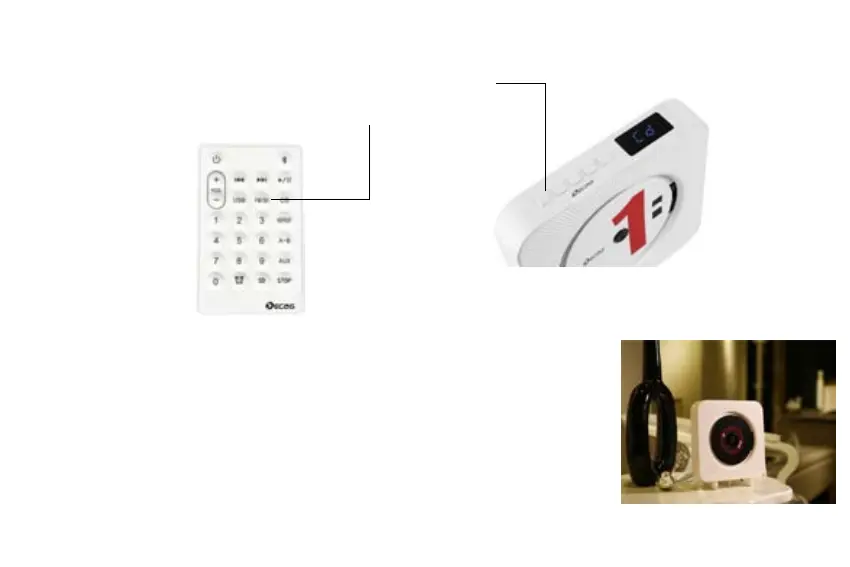
Two methods to shift into FM mode:
① Press the MODE butoon to shift from CD to FM mode
② Press the FM key on remote
Full auto search / semi-auto search
●Full auto search:Under FM working mode,short press the FM key to start full-auto
search,wait for a short time to complete the auto search and the searched channels
will be saved into the number buttons.then you can press number keys on remote to
play the related chanels.。
●Semi-auto search: Under FM working mode,Long press NEXT/PREV key and release
finger until the player become mute and it will automatically shift into the next/prev
FM channel。Each time it searches only one channel and you can save this current
track onto any number by long pressing the related number. key. on remote
09


 To Next Page