Press the button on wristband in short time, then the LED screen will light on.
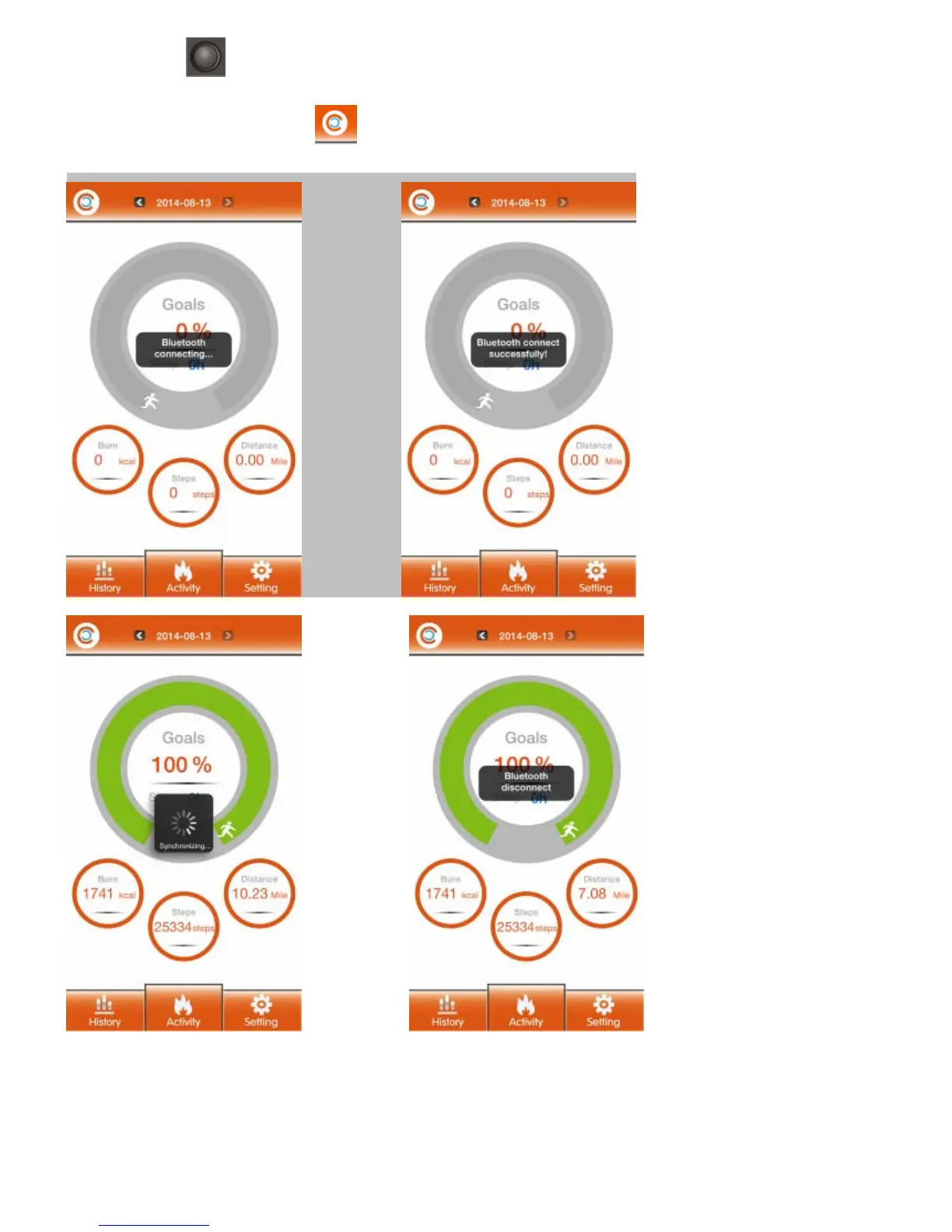
Click the Bluetooth connecting icon
to connect with bracelet, it will show sync interface, the number of Steps,
Distance, Burn and target goals that have completed will be showed onside the APP/APK.
Other Operation
In Sleep mode, press 2 times button, can change it to Sport mode. The bracelet vibrate, and display will show STEP.
1.Sport mode



 To Next Page