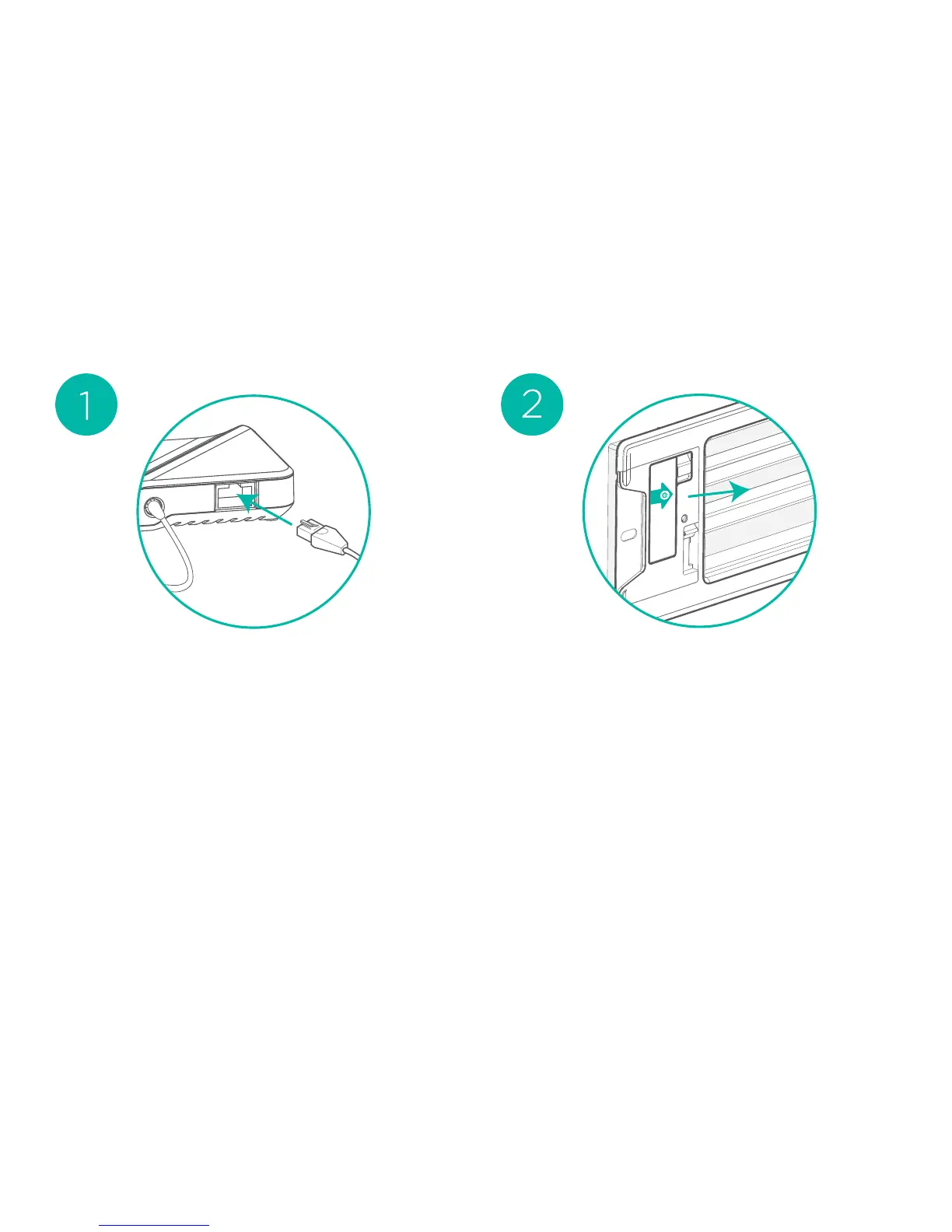
Plug your Smart Bridge into your
home router, launch the Keen
Home app and follow the the
on-screen instructions.
Pull the green arrow tab to
activate your Smart Vent. Its
LED will double blink green to
indicate it is ready to pair with
your bridge. If the tab was
pulled early and the LED is no
longer blinking, simply eject
and reinsert the batteries to
reset the Smart Vents.
Installation



 To Next Page