EN
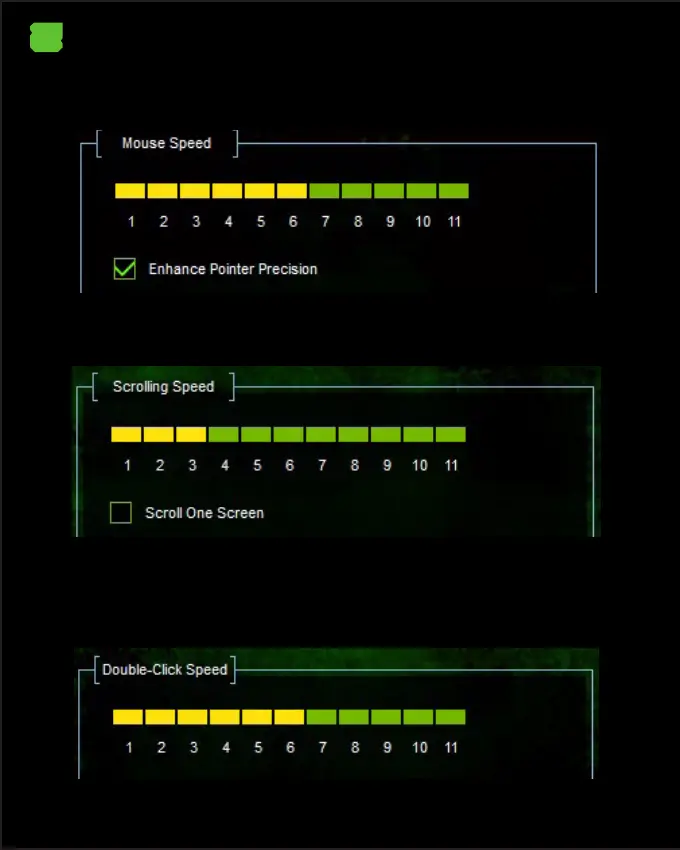
8. Mouse Speed
In Mouse Speed you can adjust the speed of the mouse pointer by clicking on the
scale from 1 to 11, with 1 being slower and 11 being faster.
9. Scrolling Speed
In Scrolling Speed you can adjust the scroll speed of the mouse by clicking on the
scale from 1 to 11, with 1 being the slowest and 11 being the fastest.
10. Double-Click Speed
In Double Click Speed you can adjust the speed of the double click of the mouse
button by clicking on the scale from 1 to 11, with 1 being the slowest and 11 being
the fastest.


 To Next Page