Need help?
Do you have a question about the Keep Out X5PRO and is the answer not in the manual?
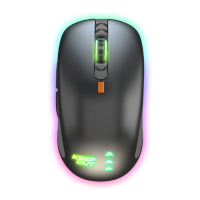
Details about the X5PRO gaming mouse features and specifications.
List of items included in the mouse packaging.
Step-by-step instructions for connecting and setting up the mouse.
Configure mouse settings like key assignments, DPI, and lighting effects.
Assign custom functions to mouse buttons for enhanced control.
Adjust the mouse's report rate for responsiveness.
Select DPI levels and associate them with backlight colors.
Configure various lighting effects for different DPI modes.
Utilize the Mode B button for up to 10 programmable buttons.
Control the cursor speed from 1 to 11.
Modify how fast the mouse wheel scrolls through content.
Set the timing for detecting a double-click action.
Learn how to create and name custom macros within the software.
Assign created macros to specific mouse buttons for execution.
Change the text color of the software user interface.
Find contact information for product support and troubleshooting.
Guidelines for product care, safe usage, and environmental disposal.
 General
| Sensor Type | Optical |
|---|---|
| Polling Rate | 1000 Hz |
| Connection Type | Wired |
| Cable Length | 1.8 m |
| Color | Black |

 To Next Page