EN
Finally the Macro will be saved in its
corresponding button.
Press the Apply button to apply the changes.
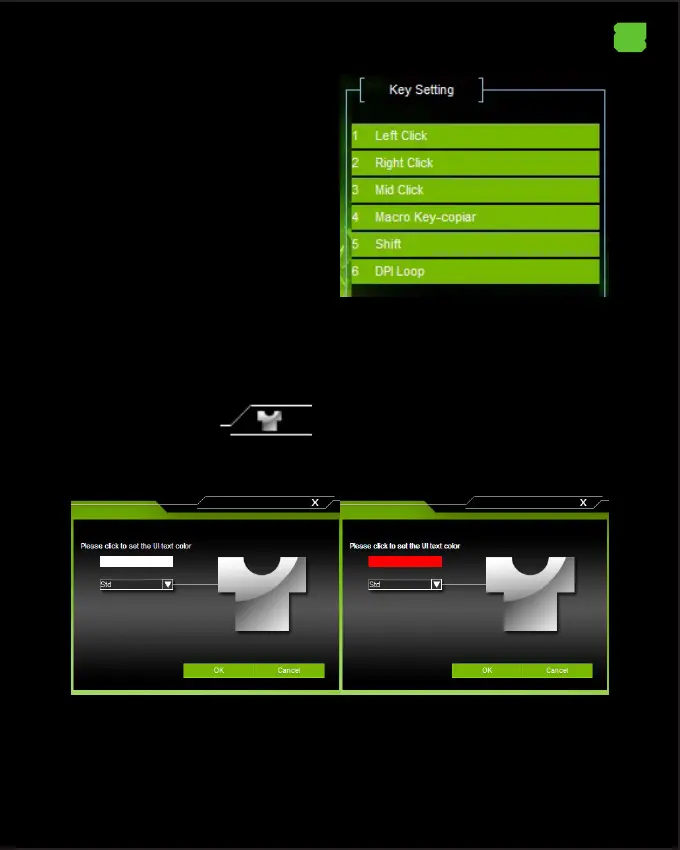
13.Change the Font color of the software in general.
In the upper right corner, there is an icon that allows to change the font of the
software in general
Click on that icon to make the change and the font color change window will
open.



 To Next Page