OSD menu
The monitor OSD menu provides various settings for the monitor, such as colour, brightness and contrast, etc.
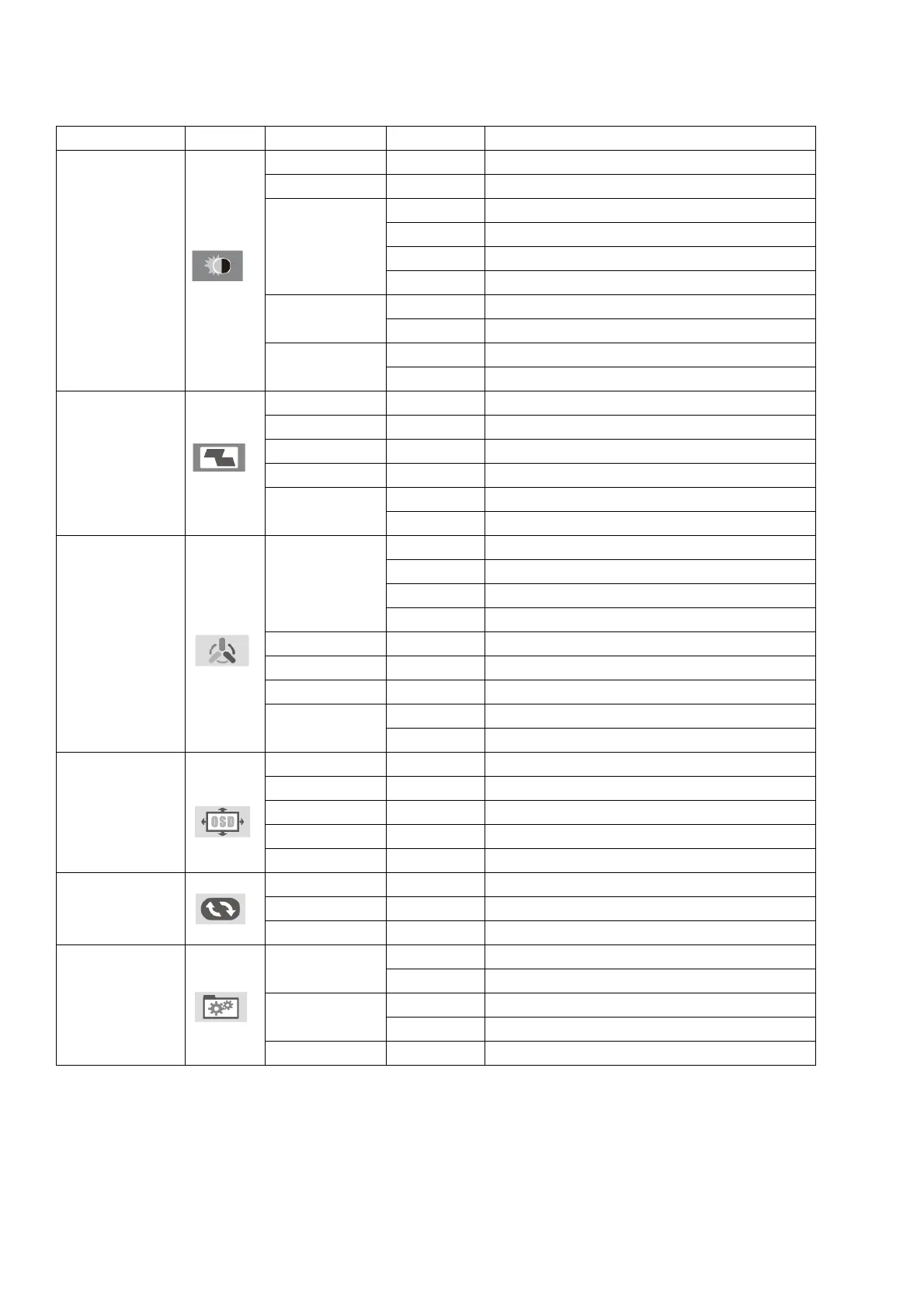
Main Menu Icon Submenu Sub-submenu Description
LUMINANCE
BRIGHTNESS Adjust brightness
CONTRAST Adjust contrast
ECO MODE
Standard Adjust lighting adapted to normal use
Game Adjust lighting adapted to use in games
Movie Adjust lighting adapted to Movie
Internet Adjust lighting adapted for internet
DCR
On Enable DCR
Off Disable DCR
HDR
On Enable HDR
Off Disable HDR
IMAGE
H POSITION Adjust image position horizontally
V POSITION Adjust image position vertically
CLOCK Adjust the clock rate
FHASE Adjust the fhase on the image
IMAGE RATIO
Wide Adjust the wide in the image
4:3 Automatically adjusts the image ratio to 4:3
COLOR
COLOR TEMP
Normal Adjust the color in standards tones
Warm Adjust the color in warm tones
Cool Adjust color in cool tones
User Enable custom color adjustment
RED Adjust red values
BLUE Adjust blue values
GREEN Adjust green values
LOW BLUE FILTER
OSD
LANGUAGE Select the language displayed in the OSD menu
POSITION H Adjust OSD menu position horizontally
POSITION V Adjust OSD menu position vertically
TIMEOUT Adjust the OSD menu time
TRANSPARENCE Adjust OSD menu transparency
RESET
AUTO CONFIG Auto-adjust the image values
AUTO COLOR Auto-adjust the image color values
RESET Restore to default settings
EXTRA
INPUT
Hdmi Select HDMI input
Dp Select the DisplayPort input
MUTE
On Enable sound
Off Disable sound
VOLUME Adjust the volume of the speakers
Technical support
For more information about the installation and configuration of this product, please visit our website at
www.keepoutgaming.com or send an email to support@keep-out.eu.


 To Next Page
 Loading...