16
Jiiii
ZIGZAGCONTROL
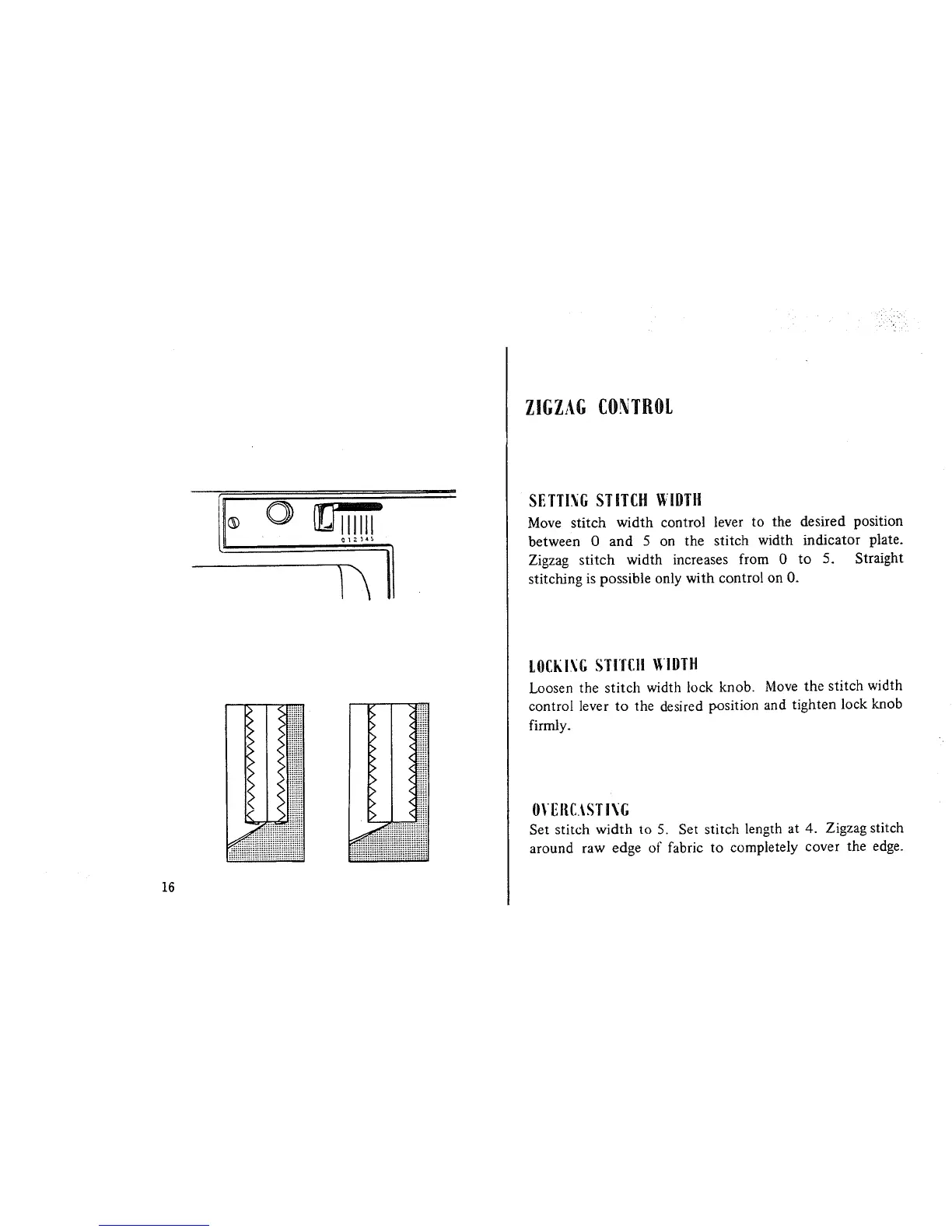
SETTING STITCH WIDTH
Move stitch width control lever to the desired position
between 0 and 5 on the stitch width indicator plate.
Zigzag stitch width increases from 0 to 5. Straight
stitching is possible only with control on O.
LOCKING STITCH glDTH
Loosen the stitch width lock knob. Move the stitch width
control lever to the desired position and tighten lock knob
firmly.
OVEIIC._STING
Set stitch width to 5. Set stitch length at 4. Zigzag stitch
around raw edge of fabric to completely cover the edge.



 To Next Page