All specifications are subject to change without notice. Products may not be available in all markets. Kensington® and
Kensington, The Professionals’ Choice™ are trademarks of ACCO Brands. All other registered and unregistered trademarks are the
property of their respective owners. © 2023 Kensington Computer Products Group, a division of ACCO Brands. All rights reserved.
k23-4210
FOR MORE INFORMATION CONTACT: 1-855-692-0054 | sales@kensington.com
DisplayLink
®
Dock Troubleshooting Guide
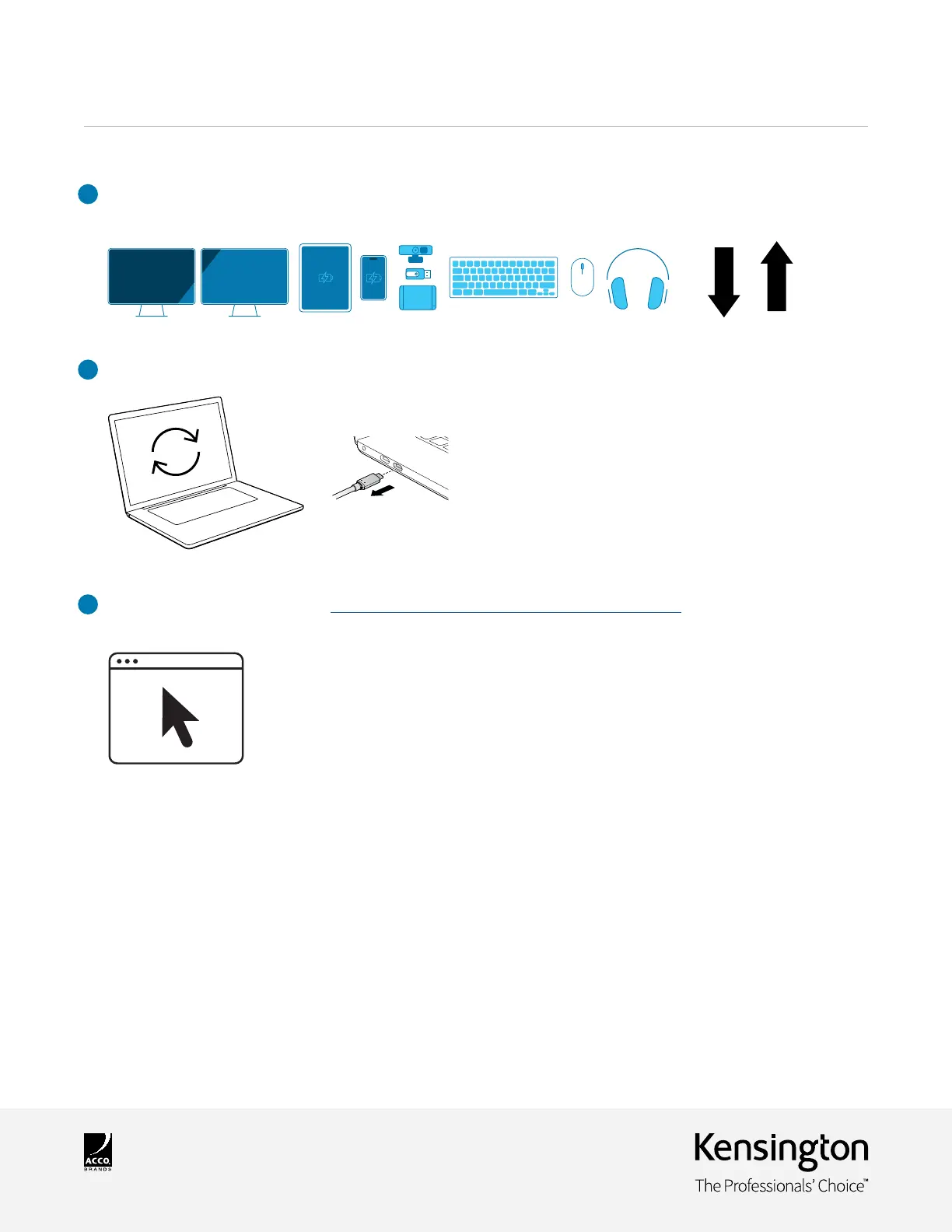
5 . Unplug all connected USB devices and then plug them back into the docking station to allow PD (power delivery)
handshake with all devices.
6 . Restart laptop and disconnect host port.
7 . For additional assistance, please visit https://www.kensington.com/resources/product-support/.
Please provide the laptop model and monitor details so that the troubleshooting team can assist you further.



 To Previous Page