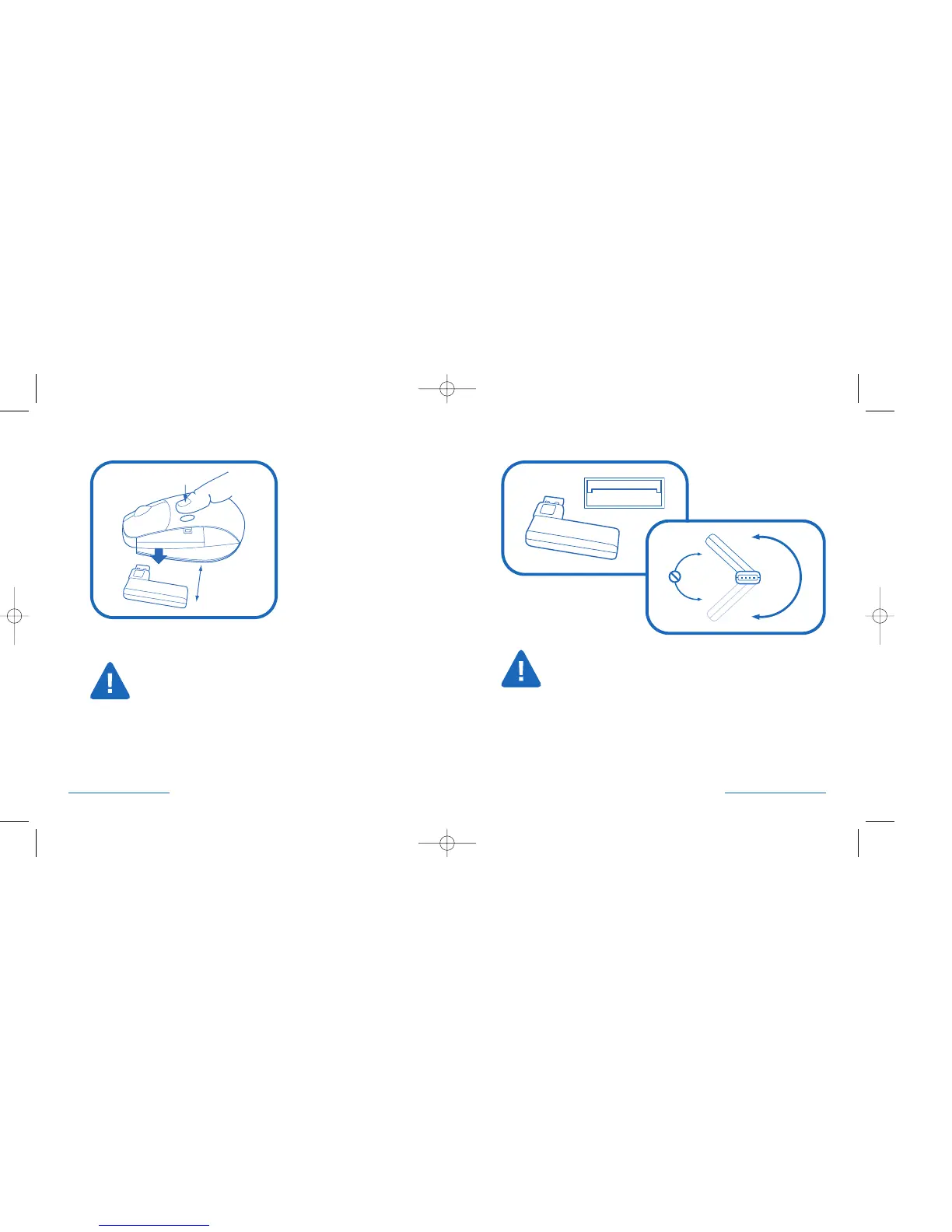
Connecting the Receiver to your USB Port
USB Receiver
Use light pressure when rotating the receiver.
Do not force rotation beyond natural steps (Max. 270°).
Receiver Storage
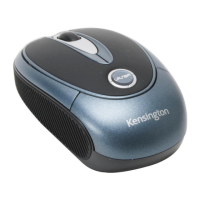
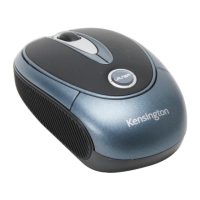
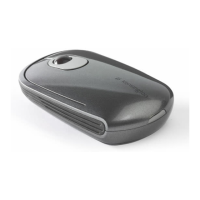
To open the storage door, press the button near the top of the mouse (1).
Grasp the USB receiver and gently pull out (2).
Place the receiver back in the mouse when not in use to
extend battery life.
2 • PocketMouse Pro Wireless PocketMouse Pro Wireless • 3


 To Next Page