EasyManua.ls Logo

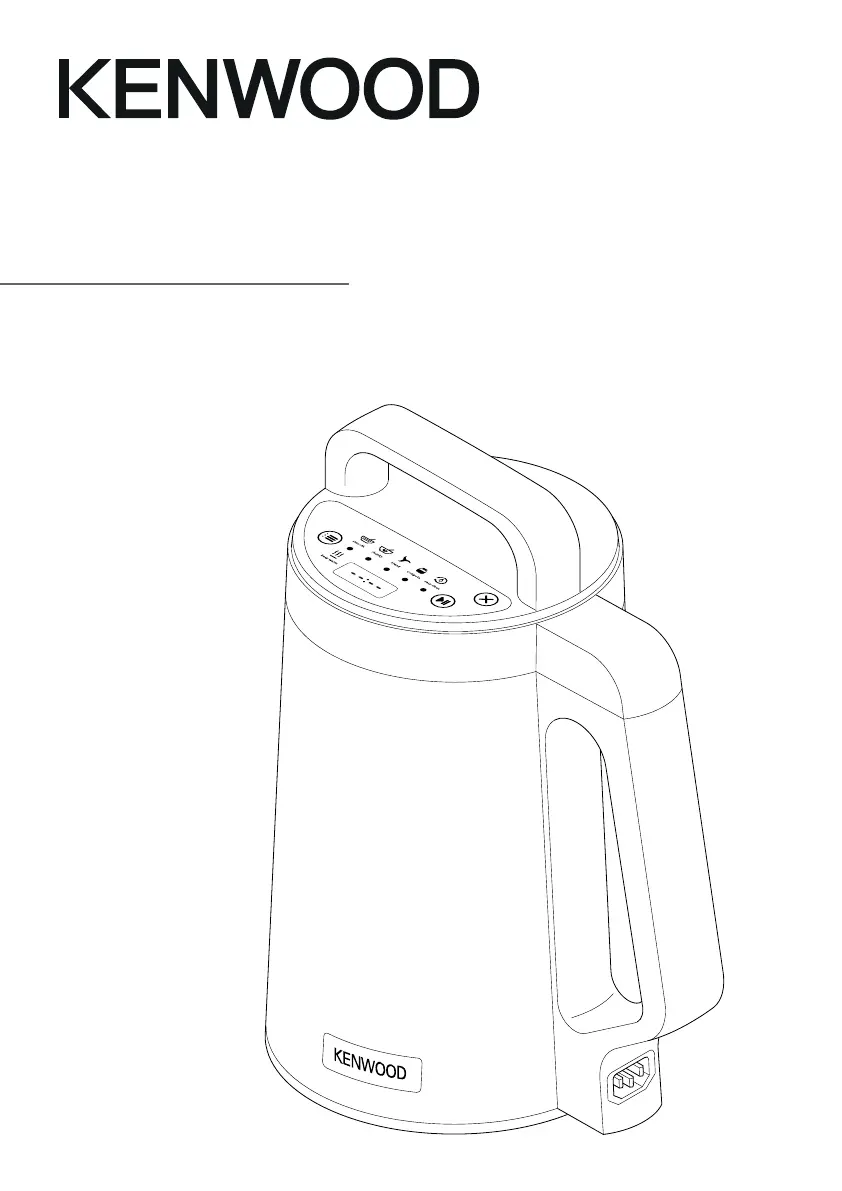
Kenwood SoupEasy CBL01 - User Manual

Kenwood SoupEasy CBL01
154 pages
Print Icon
To Next Page IconTo Next Page
Loading...
SoupEasy
TYPE CBL01
Instructions
Istruzioni
Instrucciones
Bedienungsanleitungen
Gebruiksaanwijzing
Instrukcja obsługi
Instruções

Questions and Answers

  • K
    Kenneth DavisAug 14, 2025
    How to fix a Kenwood Cooking Equipment Soup Maker that won't turn on?
    • D
      darinstoutAug 14, 2025
      If your Kenwood Soup Maker isn't turning on (no power, no lights), ensure it's properly plugged into the power supply and that the power supply connector is correctly fitted to the goblet. Also, verify that the motor unit/lid is correctly fitted and connected to the handle area.
  • S
    Sarah HesterAug 17, 2025
    What to do if my Kenwood SoupEasy CBL01 Cooking Equipment shows error code EF?
    • D
      Daniel TorresAug 17, 2025
      If your Kenwood appliance displays error code EF, it means the goblet is filled above the MAX mark and the overfill sensor has been activated. Unplug the appliance, remove the motor unit, and let it cool for 3 minutes. Remove some ingredients to ensure the level is below the MAX mark. Then, refit the motor unit, plug it back in, and operate as normal.
  • M
    Miguel MillerAug 21, 2025
    Why is liquid splashing out of my Kenwood SoupEasy CBL01 Cooking Equipment?
    • J
      Jack WardAug 21, 2025
      Liquid splashing from the spout area of your Kenwood appliance usually means the goblet is overfilled. Ensure ingredients are not above the max level marked inside. If using the Easy Clean program, use only 1 liter of water and 2 drops of washing up liquid.
  • H
    hriveraAug 25, 2025
    How to fit the lid on my Kenwood Cooking Equipment?
    • K
      kimberly77Aug 25, 2025
      If the motor unit/lid of your Kenwood appliance won't fit, it's likely because the goblet is overfilled. Remove some ingredients and ensure they are spread evenly to allow the lid to be fitted correctly.
  • J
    jparsonsAug 27, 2025
    What to do if ingredients are burning in my Kenwood SoupEasy CBL01 Cooking Equipment?
    • A
      amanda19Aug 27, 2025
      Ingredients burning at the bottom of the goblet in your Kenwood appliance can happen if you're heating milk or haven't added enough liquid. Note that the appliance isn't designed for heating milk. If you want to add milk or cream, use the 'Pause' function and add it within the last 5-10 minutes of the program. Also, add more liquid to the mixture.
  • R
    roy51Aug 31, 2025
    Why is my Kenwood SoupEasy CBL01 Cooking Equipment not blending properly?
    • W
      William VasquezAug 31, 2025
      Poor blending performance in your Kenwood appliance can be due to insufficient processing time, not enough liquid, or large pieces of food/too many ingredients. Restart the program and blend for a longer duration. Add more liquid. Reduce the amount of ingredients, and chop the food into smaller, even-sized pieces.
  • W
    William MartinSep 3, 2025
    Why is food not cooking properly in my Kenwood SoupEasy CBL01?
    • G
      gonzalezdianeSep 3, 2025
      Food may not cook properly in your Kenwood appliance if there are large pieces of food, too many ingredients, or if you're cooking raw meat. Remove some of the ingredients and chop the food into smaller, even-sized pieces. For meats, it is recommended to brown them in a pan on the stove before adding them to the blending goblet to ensure they are thoroughly cooked.
  • O
    Olivia SmithSep 6, 2025
    Why is my Kenwood SoupEasy CBL01 vibrating so much?
    • B
      Brooke DanielsSep 7, 2025
      Excessive vibrations in your Kenwood appliance indicate that it is unstable or on an uneven surface, or that there are too many ingredients being processed. Only use this appliance on a stable, flat, heat-resistant surface or table. Reduce the amount of ingredients.
  • I
    igarciaSep 10, 2025
    What does '----' on the screen of my Kenwood SoupEasy CBL01 Cooking Equipment mean?
    • A
      amanda96Sep 10, 2025
      If you see '----' on the screen of your Kenwood appliance, it means the appliance is in standby mode. Unplug if the cooking process is finished, or press any button to reactivate the Soup Maker.

Summary

Safety Precautions

General Safety Guidelines

Read instructions, handle with care, avoid steam, hot surfaces, unattended use, lid removal, unplugging, wet parts, cord safety.

Usage Restrictions and Warnings

Appliance and User Guidelines

Restrictions on ingredients, surfaces, timers, misuse, user capabilities, children, and intended use.

Food Safety

Safe Food Handling

Ensure food is piping hot before eating and refrigerated quickly after cooking.

Care and Cleaning

Cleaning Procedures

Guidance on cleaning the appliance, including the 'Easy Clean' program and manual cleaning methods.

Key Components

Part Identification

Identification and description of all numbered parts of the soup maker.

Using Your Soup Maker

Operational Steps

Detailed instructions on adding ingredients, selecting programs, and starting the soup maker.

Programmes and Functions

Programme Details

Overview of available programmes, their settings, blending cycles, and keep warm times.

Hints and Tips

Usage Recommendations

Tips for optimal use, including ingredient preparation, using pause, and cooking meats.

Service and Customer Care

Support and Warranty Information

Guidance on troubleshooting, contacting service centres, and warranty details.

Troubleshooting Guide

Problem Diagnosis and Solutions

Common issues, their causes, and recommended solutions for the soup maker.

Kenwood SoupEasy CBL01 Specifications

General IconGeneral
Capacity1.6 L
Keep Warm FunctionYes
Product TypeSoup maker
Safety FeaturesOverheat protection
MaterialPlastic and stainless steel