19
CE declaration of conformity
Albert KERBL GmbH hereby declares that the product / device described in these instructions complies with the fundamental requirements and other relevant
stipulationsand regulations. The CE mark confirms compliance with the Directives of the European Union.
Electrical waste
It is up to the operator to dispose of the product responsibly after its useful life in accordance with local regulations. Consult the relevant regulations for your country.
The device must not be disposed of in household waste. Under the terms of the EU Directive on the disposal of old electrical and electronic equipment, the device can
betaken to local authority-run refuse sites or recycling plants free of charge, or returned to dealers who offer a returns service. Correct disposal protects the environment
and prevents any possible harmful impacts on humans and the environment.
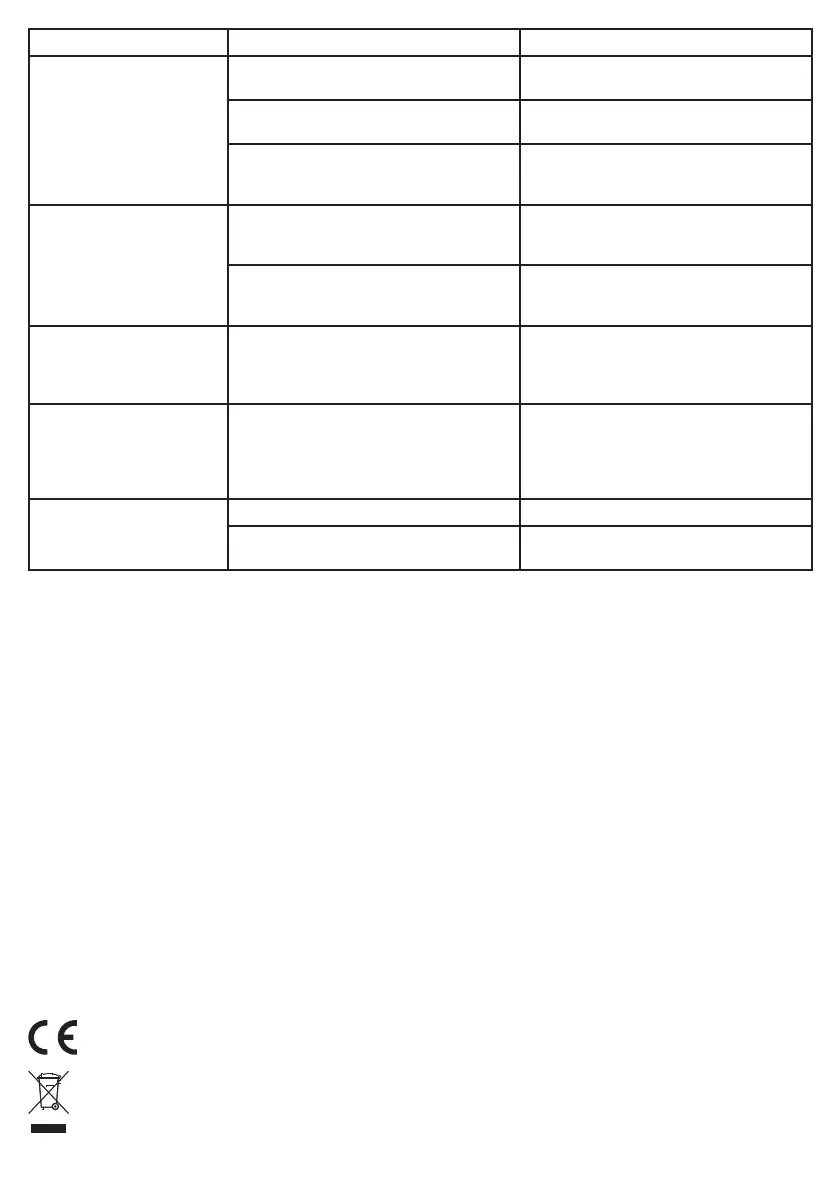
Error pattern Possible cause Solution
Door does not open and close
depending on the time
Timer is deactivated (time does not advance on
the display and ‘t-off’ is shown)
Hold down menu button and OK button
at the same time for 5 seconds
The light sensor prevents the door opening as it is
still dark. (closed state always has priority)
Unplug the light sensor or set the light sensor
correctly
Automatic mode is not retrieved
(automatic mode is indicated by a small circle
at the top side of the display)
• press arrow upwards when door is open
• press arrow downwards when door is closed
Door does not open and close
depending on the light sensor
Light sensor is not set properly A middle position should be set (depending on
desired dimming) on the dial. Slowly test where the
ideal setting is beginning from the middle position.
Automatic mode is not retrieved
(automatic mode is indicated by a small circle
at the top side of the display)
• press arrow upwards when door is open
• press arrow downwards when door is closed
Door does not move down Too little weight on the rope, either because
• the door is too light or
• the door is jammed and does not therefore
move down
• use other door/slider
• align guide rails
• use lubrication
• add weight to door
Door does not fully move up and
always remains stationary at the
same point, or door does not fully
move down and always remains
stationary at the same point
Door is obstructed, making it difficult to move
(for example: Dirt in the guide rail)
Door must be smooth-running.
• remove dirt
• align guide rails
• use lubrication
• add weight to door
Door moves at the wrong times Current time set incorrectly Time correctly set in the menu
Opening and closing times not set for weekends The correct times must be set in the menu for
both week days and weekends
12. Technical data
Mains voltage 230 Volt / 50 Hz
Batteries 4 x type AA
min. slider weight 0.5 kg
max. slider weight 2.5 kg
External buttons A normally open contact each for Up and Down
Power pack protection class II
Device protection class III
Power pack protection type IPX0
Device protection type IP33
13. Accessories / replacement articles
Réf.no. 70560 Sliding door 220 x 330 mm, incl. guide rails
Réf.no. 70570 Sliding door 300 x 400 mm, incl. guide rails
Réf.no. 70580 Sliding door 430 x 400 mm, incl. guide rails
Réf.no. 70551 Pulleys, pack of 4
Réf.no. 70552 Replacement cord with bead
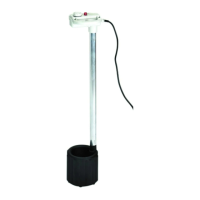
Réf.no. 70554 Light sensor
Réf.no. 70558 Extension Cable for Light Sensor
Réf.no. 70553 Power pack
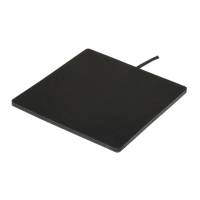
Réf.no. 70556 Solar Battery Set for Automatic Chicken Door
Réf.no. 70557 Connector Cable for Car/Electric Fence Battery
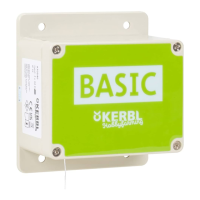
Réf.no. 70559 Self-locking for automatic chicken door
Accessories and replacement articles must be ordered
separately.


 To Next Page