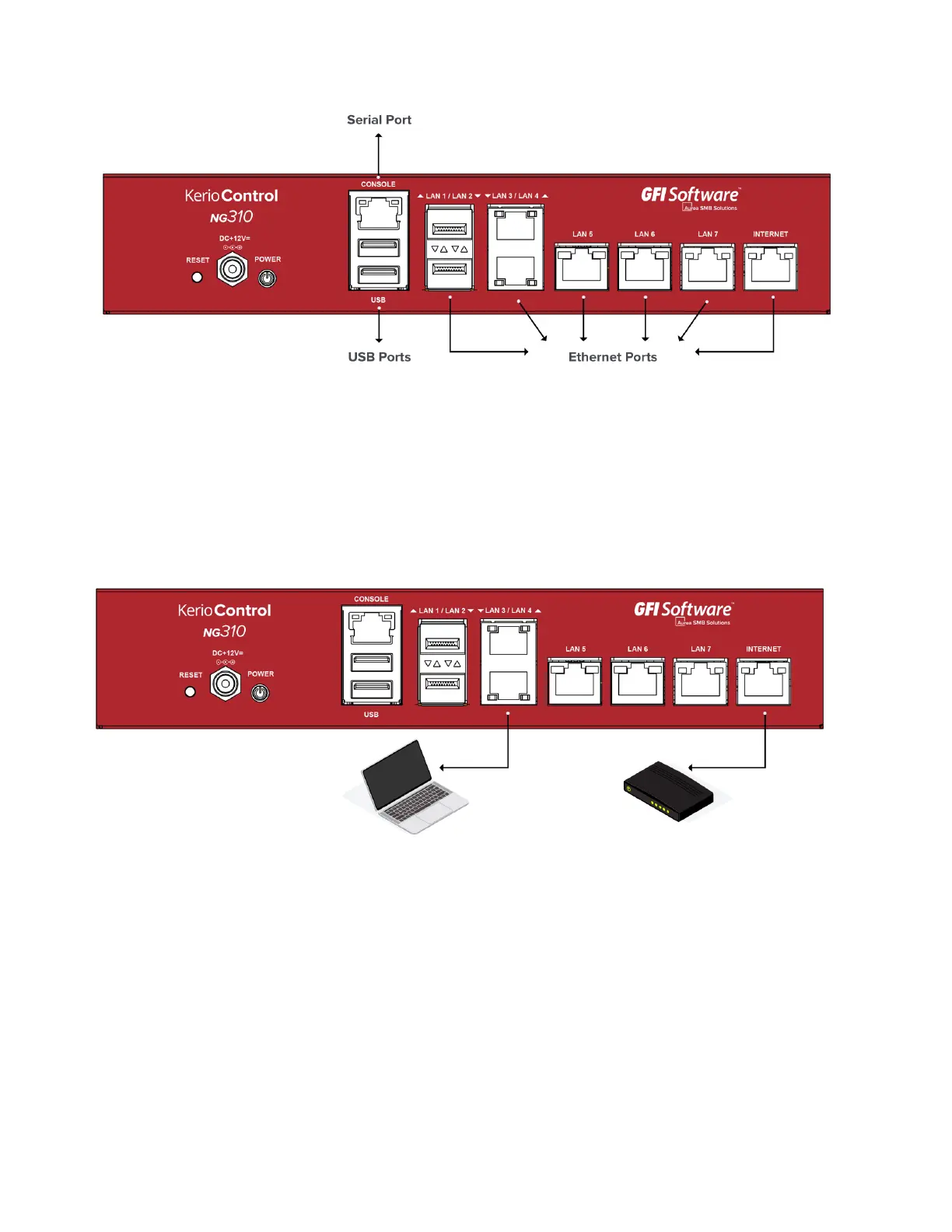
Screenshot 1: Kerio Control Box NG310 (front)
3. Kerio Control Hardware Appliance Installation and Configuration
After you have set the appliance at a suitable place and plugged it into a power outlet according to
the safety instructions,it is time to connect it to the network and configure settings.
Screenshot 2: Connecting Kerio Control Box NG310 to the network
To configure the appliance:
1. Connect the Internet port to the Internet (e.g.DSL or Cable modem) using an Ethernet
cable.
2. Connect the LAN port to the computer that will be used to configure the appliance (see the figures
above).
3. Turn on the appliance.


 To Next Page
 Loading...