/26
In this menu you may select the figures to use as a background for your karaoke files or similar and you may manage
movies that are resident in the MIDJPRO.
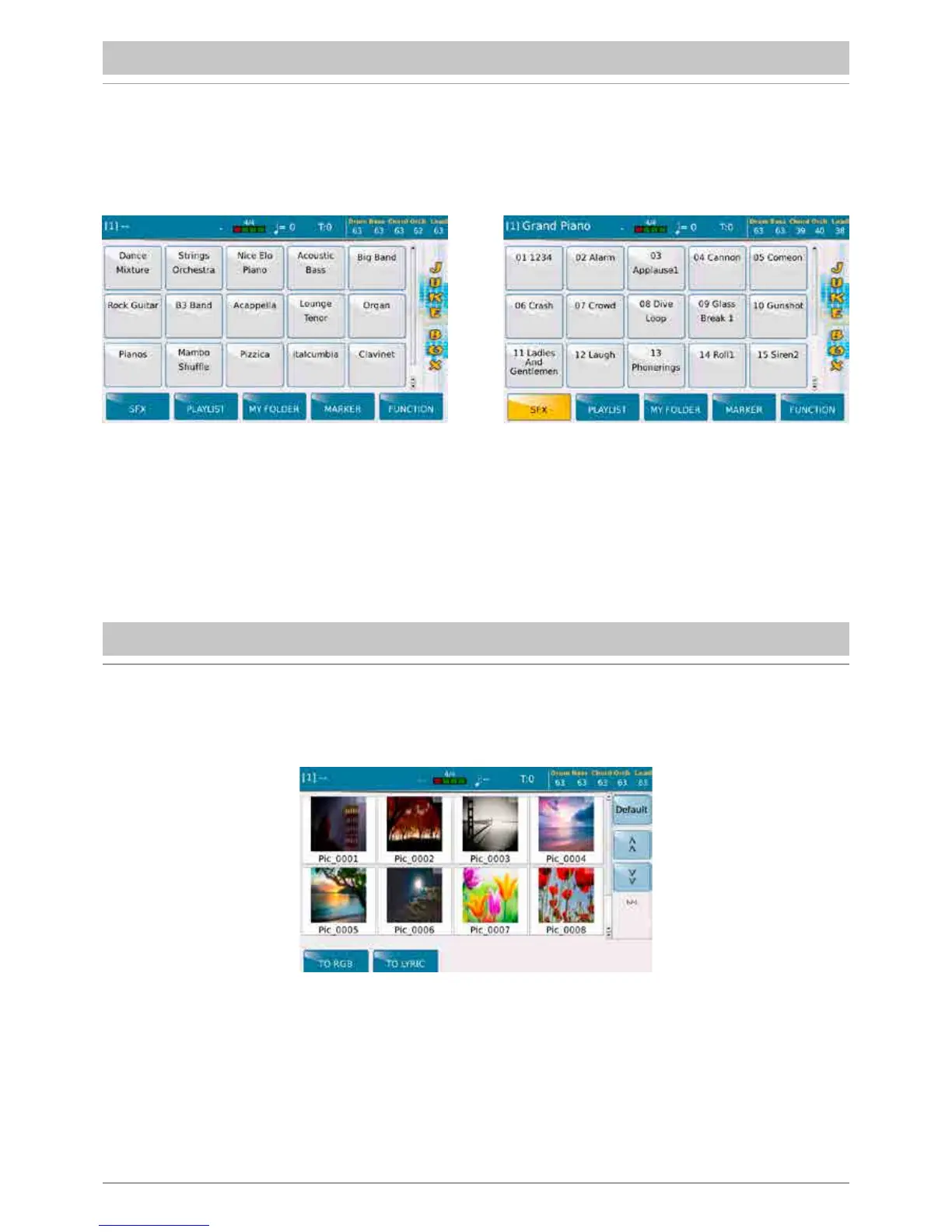
The JUKE BOX function is a different mode to display and select files contained in a Playlist or in a Myfolder..
Among the different modes to use the Player, this is probably the most immediate and intuitive one.
Use the Dial to scroll the page and display the pads. On this screen you may also use the SFX key to control a number of
sound effects that can be activated while playing.
JUKE BOX
PIC & MOVIE



 To Next Page