LED STATUS OVERVIEW
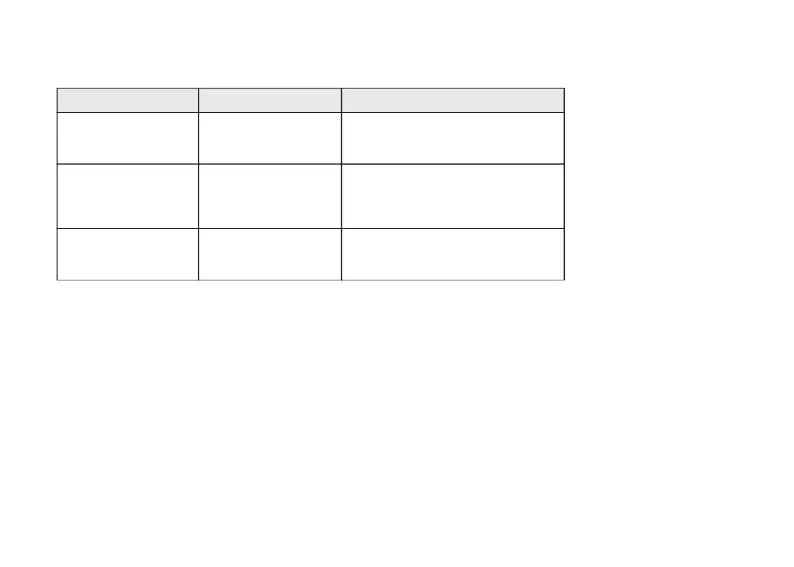
Charging - static red
Fully charged - static green
Power indicator
Bluetooth / 2.4GHz
indicator
Charging
Enable Caps Lock - static white
Disable Caps Lock - light off
Caps lock indicator Caps Lock
Bluetooth / 2.4GHz
LED Location Function Status
Pairing -slow blinking
Paired -static light and then off
Reconnecting -fast blinking
FUNCTION DESCRIPTION:
CHARGING
Plug the cable into a USB port and plug the other end into the keyboard port. Power Indicator:
a red light will stay on while charging; fully charged in around 2.5 hours, the light turns green.
14


 To Next Page