15
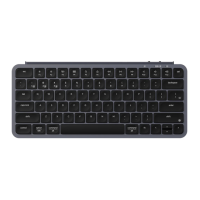
*The Keychron keyboard is compable with all USB ports. Please use a 5V 1A adapter or USB 3.0 for the
best performance. The Keychron B1 Pro can be charged in 2.4GHz/Cable/Bluetooth mode.
**This product supports up to 5V charging voltage and 1A charging current. We are not responsible for
any problems caused by improper charging.
1. Switch the toggle to the Bluetooth opon.
2. Hold “fn+1” key for 4 seconds to acvate Bluetooth pairing (the Bluetooth indicator fast
flashes for 3 minutes to detect pairing).
3. Search for the Bluetooth device “Keychron B1 Pro” on your device and connect it (the Bluetooth
indicator goes off aer successful pairing).
Note: This keyboard supports pairing up to 3 devices simultaneously via key combinaon “fn” + “1” /
“fn” + “2” / “fn” + “3”.
*The Bluetooth indicator will connue to flash for 3 minutes.
**Slow or failed connecons may exist due to different Bluetooth versions, please make sure all the
sengs are correct.
BLUETOOTH MODE
2.4GHZ / CABLE / BLUETOOTH MODE (MODE TOGGLE)
2.4GHZ MODE
1. Connect the 2.4GHz receiver to your device's USB Port.
2. Switch the toggle to the 2.4GHz opon. The keyboard will automacally connect to your device.


 To Next Page