17
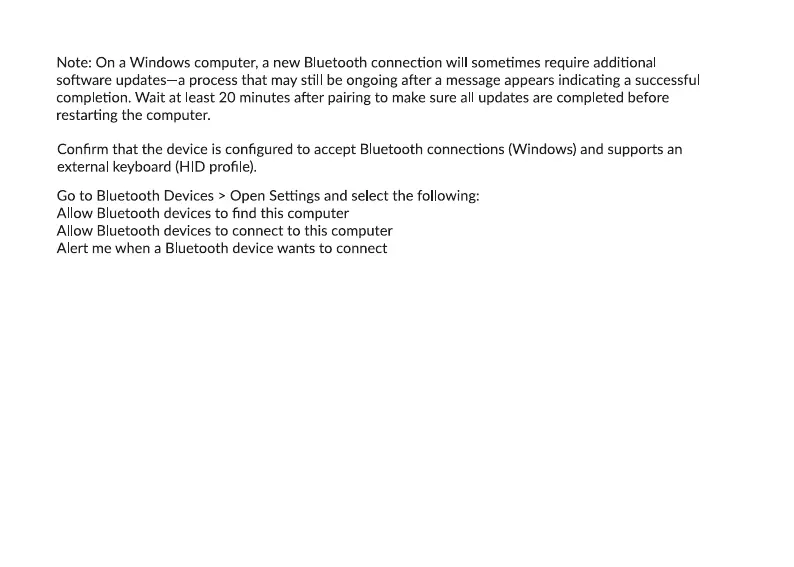
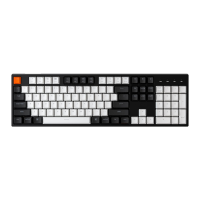
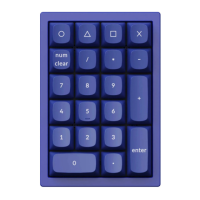
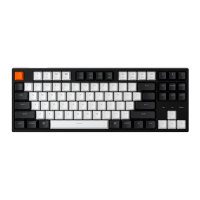
My keyboard isn’t working in Bluetooth mode.
For the computer/smartphone:
Go to your device Bluetooth sengs>Select the keyboard and remove/delete/unpair it.
Then restart your device.
For the keyboard:
Turn the keyboard off and back on. Then reconnect it to your device.
My keyboard isn't working in 2.4 GHz mode.
Ensure the toggle is set to 2.4 GHz, remove the receiver from your device, and press "fn" + "4" for 4
seconds to force pair, then reinsert the receiver into the device, keeping the keyboard within 20 cm of the
receiver for opmal pairing.


 To Next Page