9
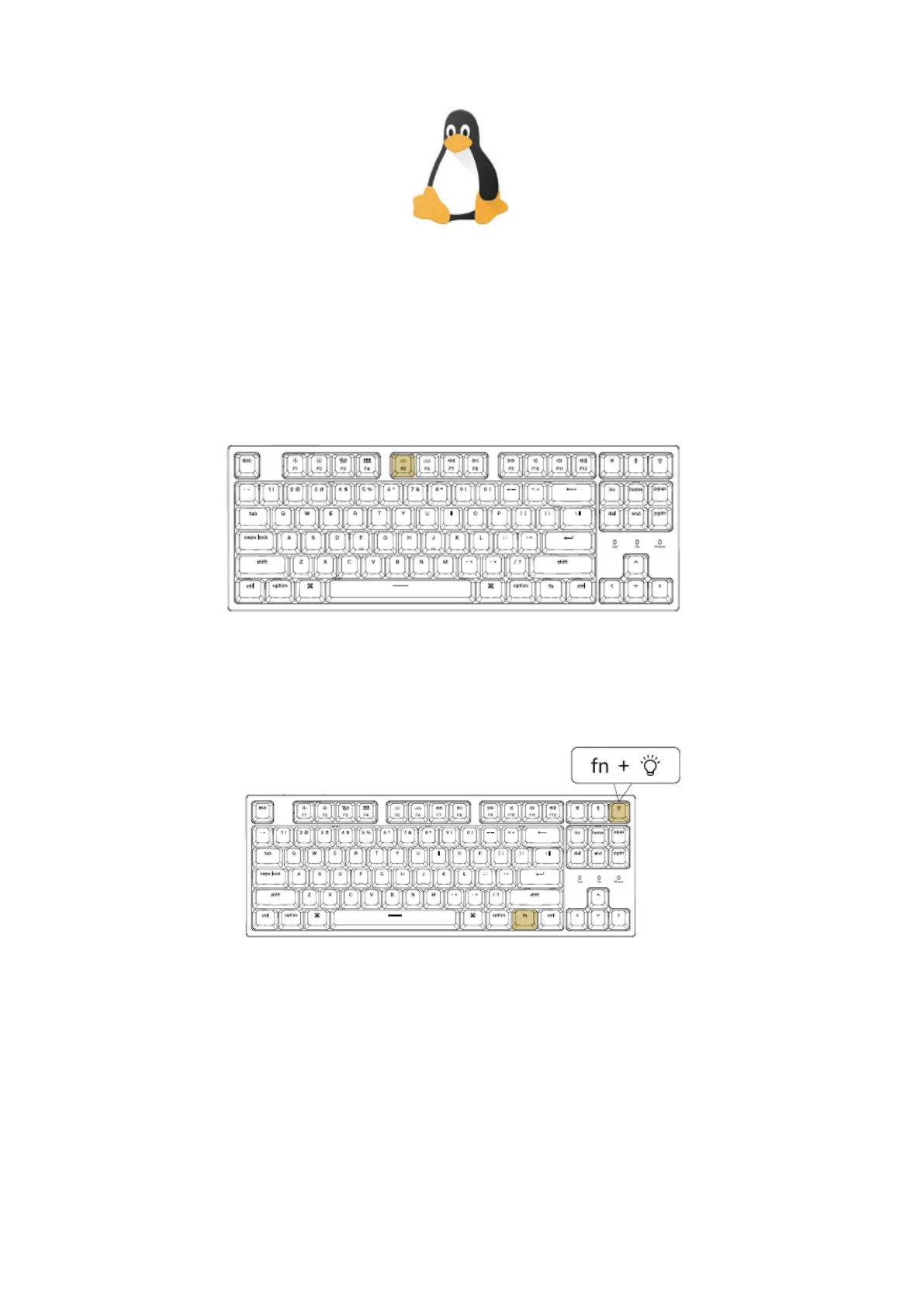
Turn Off the Backlight
If you are on the Mac, the default is to press F5 Key. If you are on the windows, the
default is to press fn+ F5 key.
Or press the Fn + Light effect key
Activate Siri / Cortana
For Siri on Mac: Go to System preferences> Siri > select “Press Fn (Function) Space”
option.
*Siri key only works on MacOS and does not work on iOS.



 To Next Page