Need help?
Do you have a question about the Keychron V5 and is the answer not in the manual?
Configure the keyboard for Mac or Windows operating systems.
Download and use VIA software for key remapping.
Understand the four layers of key settings for Mac and Windows.
Learn to change lighting effects and turn backlight on/off.
Increase or decrease the keyboard backlight brightness.
Details on keyboard customization and warranty coverage.
Recommended video tutorial for keyboard assembly.
Steps to perform a factory reset and troubleshooting.
Default key layout for Mac system.
Layer activated for Mac with Fn/MO(1) key.
Default key layout for Windows system.
Layer activated for Windows with Fn/MO(3) key.
 General
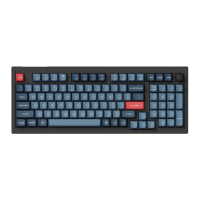
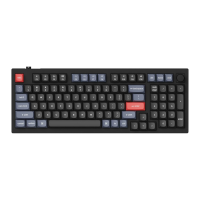
| Model | Keychron V5 |
|---|---|
| Type | Mechanical Keyboard |
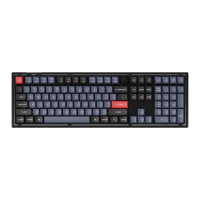
| Layout | 96% |
| Switch Type | Gateron G Pro Switches |
| Backlight | RGB |
| Connectivity | Wired |
| Frame Material | Aluminum Frame |
| Compatible Systems | Windows, macOS |
| Mounting Type | Gasket Mount |

 To Next Page