EasyManua.ls Logo

keylitos KJ70F-117 - User Manual

Default Icon
16 pages
Print Icon
To Next Page IconTo Next Page
Loading...
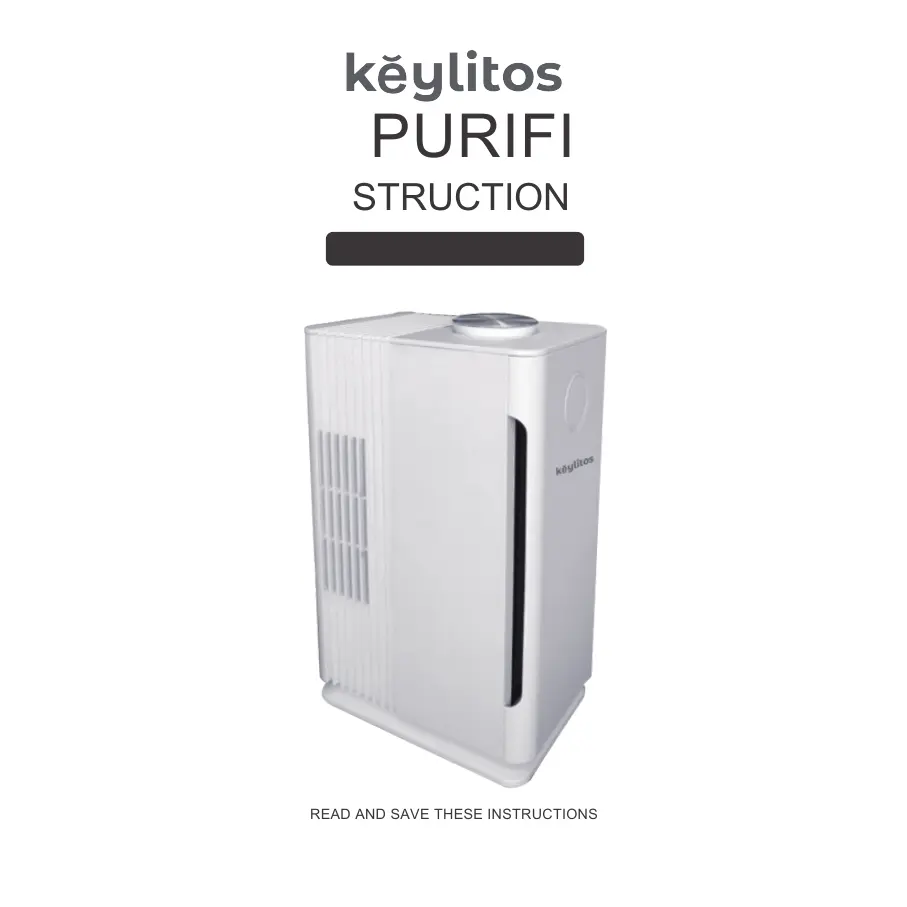
READ AND SAVE THESE INSTRUCTIONS
PICTURE FOR REFERENCE ONLY
AIR PURIFIER
Model: KJ70F-117
INSTRUCTIONS

Questions and Answers

  • P
    Penny BrockJul 29, 2025
    Why keylitos KJ70F-117 Air Cleaner has odor in the outlet?
    • B
      Benjamin NolanJul 29, 2025
      The odor from your keylitos Air Cleaner might be caused by a couple of things. It could be that there are more pollutants indoors, like from increased smoking. In this case, ventilating the room is recommended. Alternatively, the filter might be severely polluted, meaning it's time to replace it with a new one.
  • D
    Daniel BellAug 4, 2025
    What to do if my keylitos Air Cleaner has none obvious dust removal effect?
    • D
      David CollinsAug 4, 2025
      If your keylitos Air Cleaner isn't removing dust effectively, consider these possibilities: * Ensure the filter is correctly installed in the machine. * Make sure the unit is placed at least a foot away from obstacles, as narrow spaces can negatively impact purification. * If the filter is too dirty, replace it with a new combination filter.
  • M
    Melissa MurrayAug 10, 2025
    How to fix keylitos KJ70F-117 Air Cleaner that can not start?
    • J
      Julie GomezAug 10, 2025
      If your keylitos Air Cleaner won't start, there are a couple of things to check: * First, make sure the power plug is properly connected. If it's unplugged, reconnect it. * Second, ensure that the front panel of the machine is correctly in position. If not, reinstall it according to the instructions.
  • D
    Dennis JohnsonAug 16, 2025
    Why keylitos KJ70F-117 is running noise loud?
    • B
      brendarobertsAug 16, 2025
      If your keylitos Air Cleaner is running loudly, it could be due to installation issues or foreign objects inside the machine. For installation problems, contact after-sales support. If there are other matters stored in the machine, use a brush to remove the dust, and then use a vacuum cleaner or the cold air outlet of a hairdryer to blow the filter.
  • M
    Mary GarzaAug 22, 2025
    What to do if filter cannot be installed in keylitos Air Cleaner?
    • J
      jimenezchristyAug 22, 2025
      If you're having trouble installing the filter in your keylitos Air Cleaner, it might be because the filter is installed opposite. Adjust the filter to the right direction and install it into the bottom slot, ensuring the cloth strip is facing out.

Summary

Safety Information

Warnings

General safety warnings for using the air purifier and potential hazards.

For Usage

Guidelines and conditions for the proper and safe use of the appliance.

Warm Reminder

Important notes and reminders regarding user suitability and operation.

Product Specifications

Packing Includes

Lists the items included in the product packaging for the air purifier.

Product Structure

Identifies and illustrates the main parts and components of the air purifier.

Product Cleaning System

Getting Started

Operation Instruction

Rotary Switches Speed Level

Explains how to use the rotary switches for controlling fan speed.

The Device Placement Instructions

Details the recommended ways to position the air purifier for optimal use.

Filter Cleaning;Replacement

Filter Cleaning

Provides instructions on how to clean the air purifier's filter element.

Filter Replacement

Outlines the procedure for replacing the used filter with a new one.

Troubleshooting Guidance

Warranty and Service

Limited Five-Year Warranty

Details the terms and benefits of the five-year limited warranty for the product.

FCC Compliance

keylitos KJ70F-117 Specifications

General IconGeneral
Brandkeylitos
ModelKJ70F-117
CategoryAir Cleaner
LanguageEnglish