User Manual
COGE5, COGE5-F
page 75 of 110© KEYMILE December 2015 EN/LZTBU 372 144/3 RA
110
User Interface Reference
8.2.5 AP: / unit-x, QoS
8.2.5.1 AP: / unit-x, QoS – Rate Limiting
For a description of the
− “QoS - Rate Limiting”
management function, please refer to [302] User Guide “XMC25/XMC23/
XMC22”.
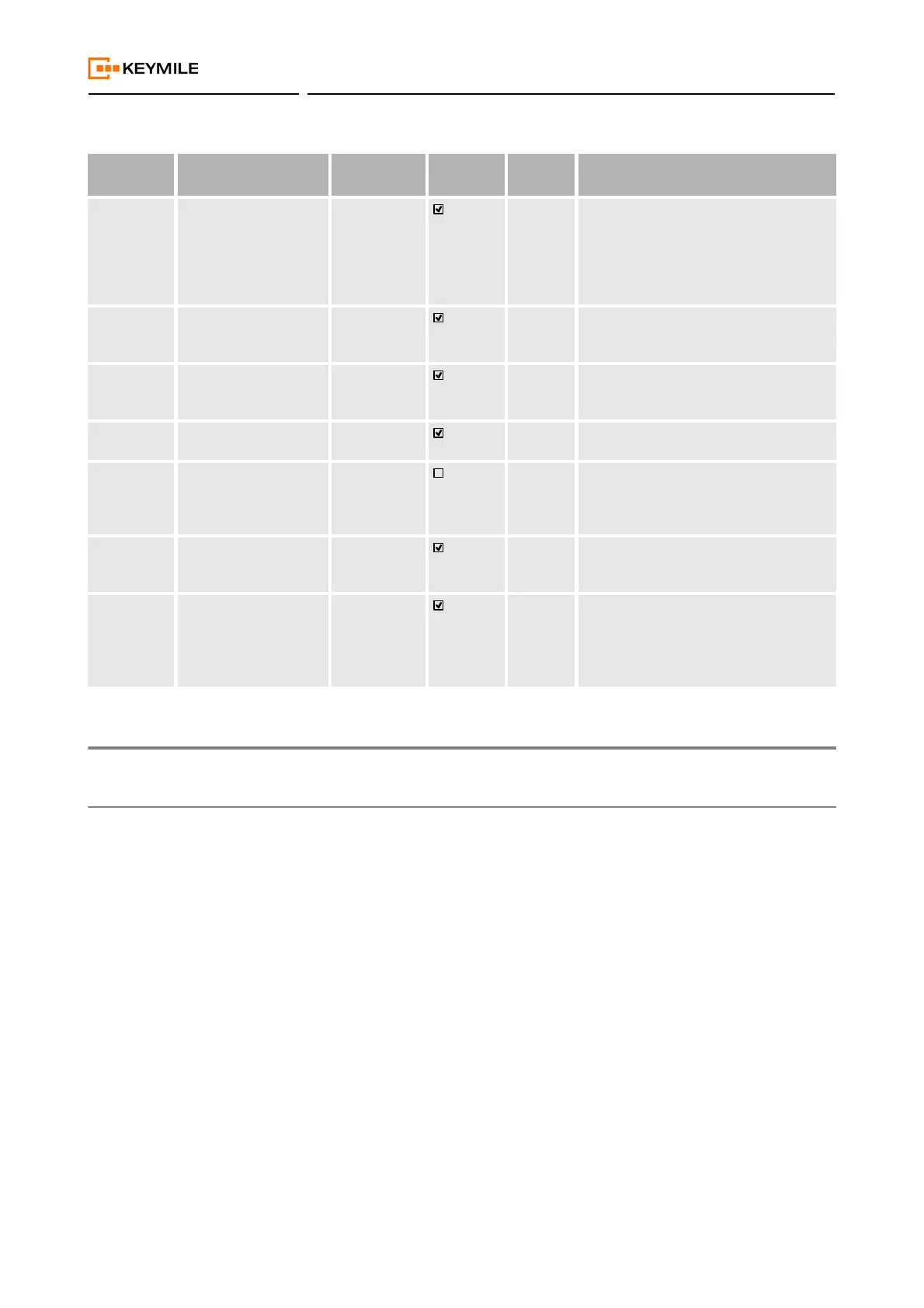
SWIC Software Incompatible
With Configuration
Equipment
Alarm
Major The ESW running on the unit is not com-
patible with the unit configuration stored
in the database. You may need to
upgrade, or downgrade the ESW, or re-
create the configuration with the cur-
rently running ESW.
SWIN Software Incompatible
With Network Element
Equipment
Alarm
Major The running ESW is not compatible with
the version required by the NE type or
version.
NSW No Application Soft-
ware
Equipment
Alarm
Major There is no application ESW installed on
the unit, or the application ESW has not
yet finished its boot process.
UIC Unit Incompatible Equipment
Alarm
Major The inserted unit is not compatible with
the assigned unit.
UNAS Unit Not Assigned Equipment
Alarm
Warning The unit is not assigned and cannot be
configured. To assign the unit, execute
the “Assign” command in the “Main”
function of the unit.
UNAV Unit Not Available Equipment
Alarm
Critical The unit that is configured is either not
plugged or not recognized due to a fail-
ure.
PWRSVE Battery Power Saving Equipment
Alarm
Critical Power saving is active on the unit, i.e. it
is kept in the “reset” state during battery
power backup.
Power saving is not supported on the
COGE5 unit.
Table 20: AP: / unit-x, Fault Management (continued)
ID Fault Cause Event Type Traffic
Affecting
Default
Severity
Description


 To Next Page