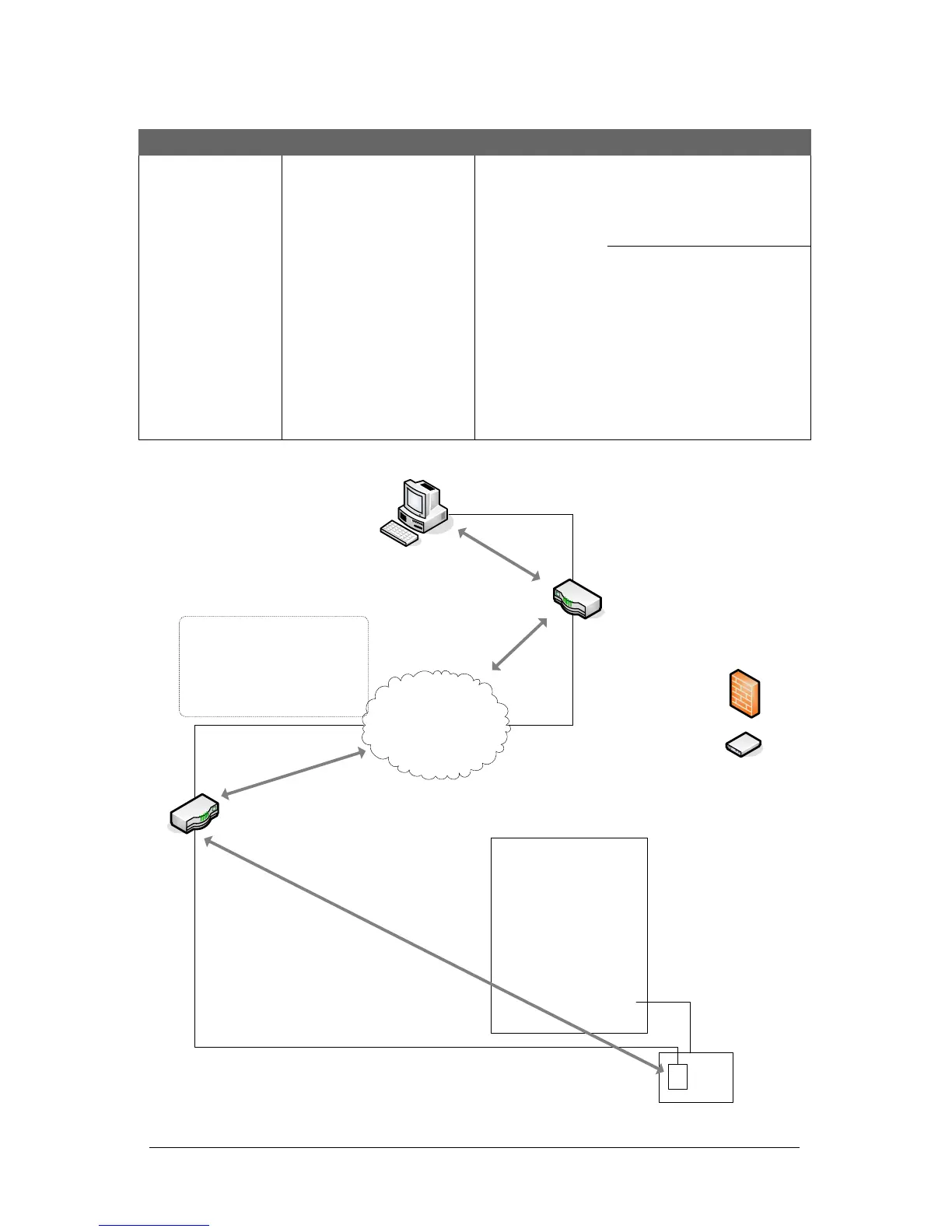
Network Configuration - Internet/Intranet/WAN
- Host Router or End Point with External IP Address example.
Host Location
Remote Access Control Location
Internet/Intranet/WAN
Encrypted NETCOM6P
Internal Static IP: 172.16.0.2
Gateway: 172.16.0.1
Port: 3001
Encryption Key: 12345678
12345678 12345678 12345678
PC/Server with RN Encrypted Communication Manager
- Communication manager runs as a service
- Internal IP 192.168.0.2
- Encryption key: 12345678 12345678 12345678 12345678
Note on Routers & Switches
Ensure that routers and switches
are configured for inbound and/or
outbound communication between
the PC at the host location and the
NETCOM6/control board at the
remote location.
Remote Router
Internal IP: 172.16.0.1
External IP: 23.58.59.64
Host Router/End Point*
Internal IP: 192.168.0.1
External IP: 24.48.52.134
Port Forward - 3001
*End Point
This may be a firewall,
DSL/cable modem or
other device with the
external IP that is
exposed to the public
side of the network at
the host location.
IP Addresses
The IP addresses in this illustration
are merely shown as examples.
Control
Board
PC109x
CIM 0
with NETCOM6P
Reverse network
applications require
CANBUS 1 & 2
KI-00455E-08-12
Control Board
(PC109x)
Control Board
Reverse Network
Programming:
- Host Router/EndPoint
External IP: 24.48.52.134
- Port: 3001
(May also include an
alternate host router
external IP address if
available)


 To Next Page
 Loading...