EasyManua.ls Logo

Keyscan NETCOM6P - Page 3

Default Icon
24 pages
Print Icon
To Next Page IconTo Next Page
To Previous Page IconTo Previous Page
Loading...
NETCOM6P/CIM - RN Installation Guide
3
Network Configuration – LAN
- Closed network with no public exposure example
Settings
Host Location
Remote Location
IP Address
Port #
Encryption Key
Same encryption
key/bit setting as
remote location
ACU
programmed with IP
address of host
PC/server with Keyscan
reverse network
encrypted
communication manager
NETCOM6P
programmed with static
IP address or if using
DHCP server dynamic IP
Port # of host PC/server
Same encryption key/bit
setting as host location
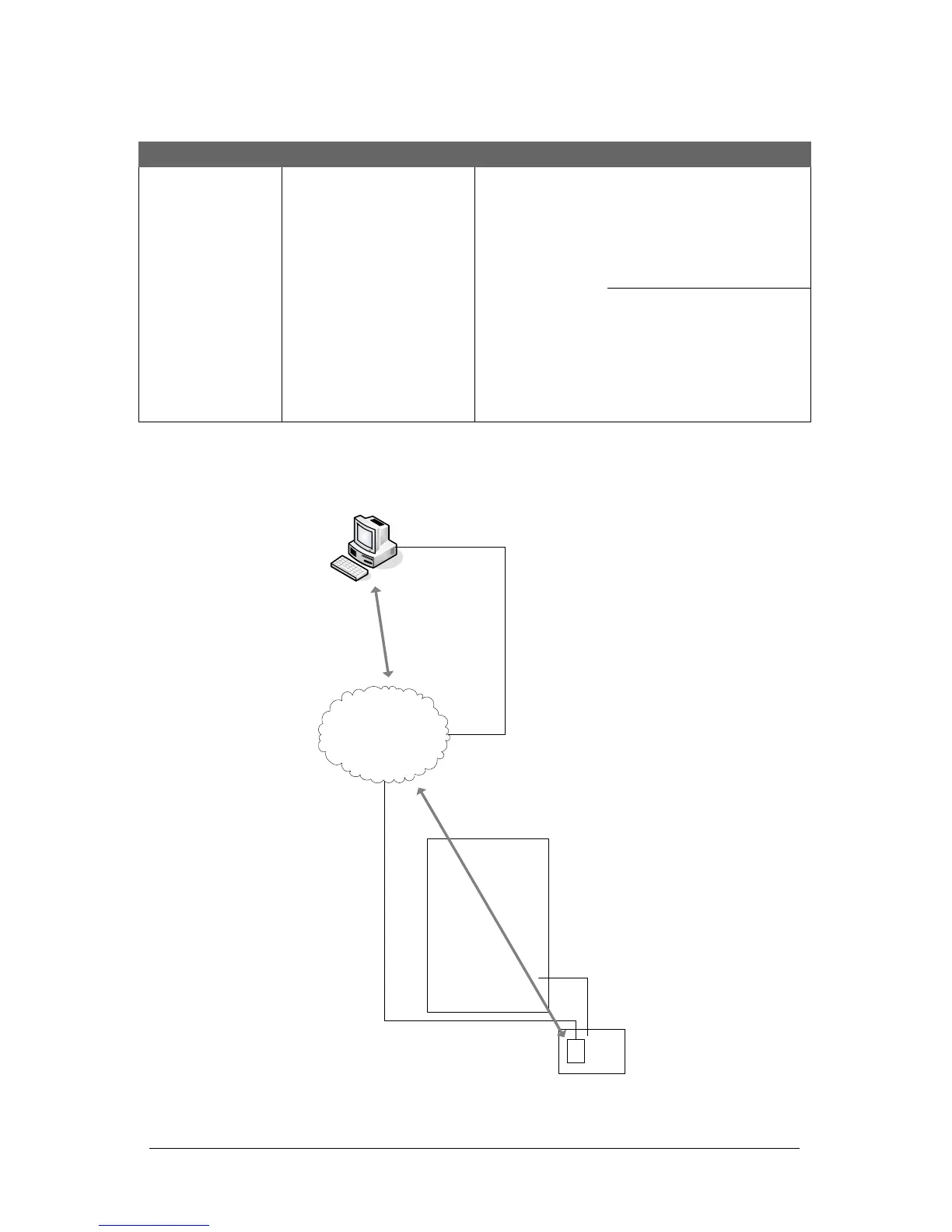
Figure 2 - Example of LAN closed with no public exposure
Host
Location
Remote Access
Control Location
LAN
Encrypted NETCOM6P
Internal Static IP: 192.168.0.4
Encryption Key: 12345678
12345678 12345678 12345678
Port: 3001
Control Board
Reverse Network Programming:
- PC/Server internal IP:
192.168.0.2
PC/Server with RN Encrypted Communication Manager
- Communication manager runs as a service
- Internal IP 192.168.0.2
- Port 3001
- Encryption key: 12345678 12345678 12345678 12345678
IP Addresses
The IP addresses in this illustration
are merely shown as examples.
CIM 0
with NETCOM6P
Control Board
(PC109x)
Reverse network
applications
require CANBUS
1 & 2
KI-00456E-08-12