NETCOM6P/CIM - RN Installation Guide
Set Control Board for Reverse Network
In this set of procedures you will configure the control board for reverse network
communication at one of the following bit rates: 9600 or 57,600.
See the table below for reverse network jumper settings.
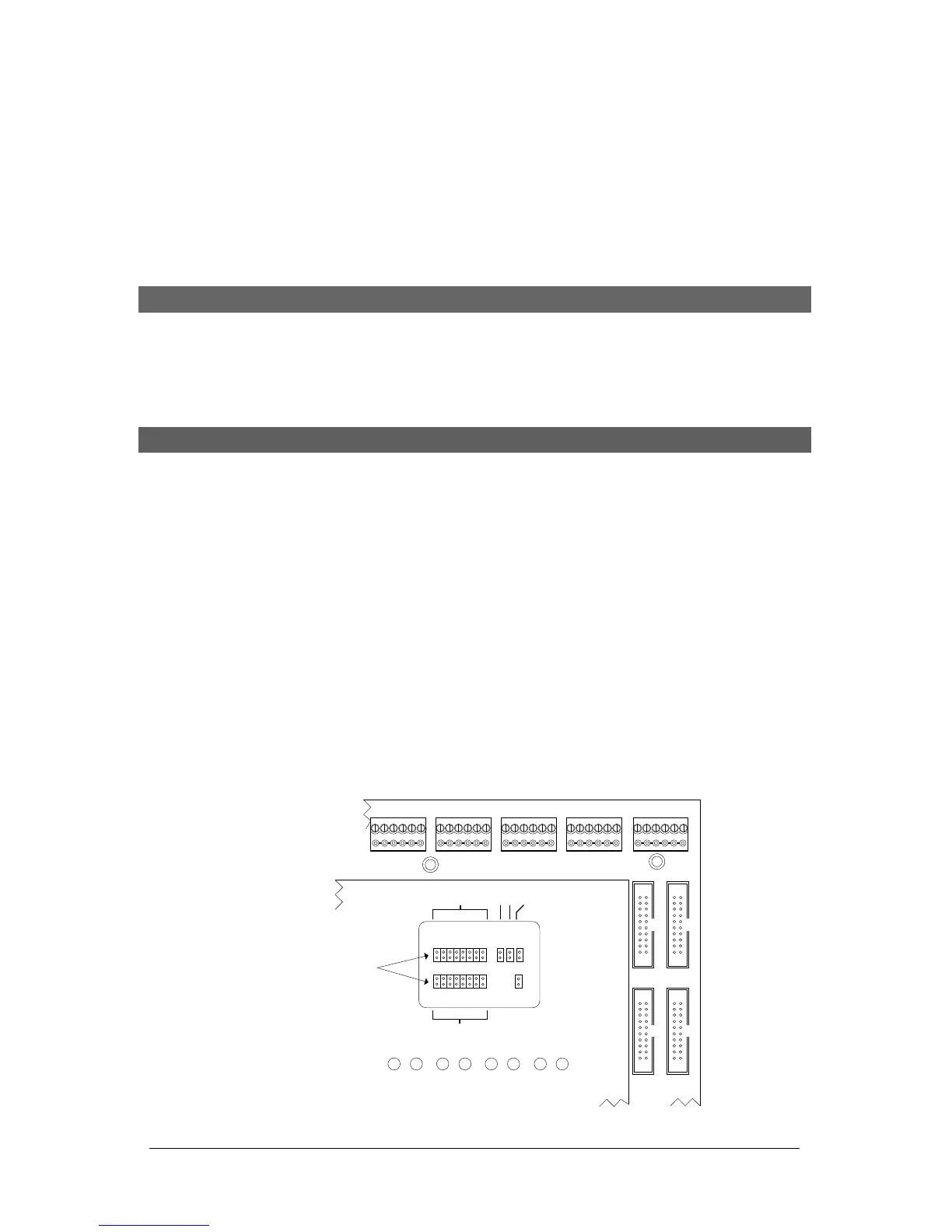
Set Reverse Network – Jumper J16 or S2 DIP Switches on Control Board
The table below outlines reverse network configurations for PC109x control boards.
Depending on the PC109x control board version, which either have jumpers at J16 or DIP
switches at S2, refer to the relevant settings.
System Jumper J16 – Reverse Network Settings
The recommended setting is 57,600.
Steps to Set the Control Board for Reverse Network and Set the Bit Rate
1. Configure the control board for reverse network setting either the jumpers at J16 or
the DIP switches at S2 as outlined above.
2. Note the bit rate you have selected for the control board. You require this setting
when programming the NETCOM6P.
3. Go to Install NETCOM Program Tool Utility on the next page and follow each set of
setup instructions.
Figure 3 - Location of J16 Jumpers
J16
J16
12
34 56 7 8
ABCDEFGH
COMMUNICATION STATUS
TD1 RD1 TD2 RD2 TD3 RD3 TD4 RD4
READER 1READER 2READER 3READER 4READER 5
CONTROL 2
CONTROL 4
CONTROL 3
CONTROL 5
J1J6 J17
Protective ACU
Cover
Cut View of CA8500B
Location of J16 is the
same on all CA & EC
control boards.
System Configuration
Jumpers J16
KI-00143E-07-11


 To Next Page
 Loading...