Install Keyscan NETCOM Program Tool Utility
Each NETCOM6P that you are installing must be programmed with the NETCOM Program
Tool Utility software. Ensure you have the latest NETCOM Program Tool Utility software
installed, which is on the enclosed CD; otherwise you may encounter communication
difficulties. You will require a PC or laptop that has a direct serial connection to the
NETCOM6P via the CIM board’s COM2 terminal to program the device. To install the
NETCOM Program Tool Utility software, load the Encrypted Communication CD into the CD-
ROM or DVD drive. Observe the firewall and anti-spyware message and close the screen.
Select Install NETCOM Program Tool from the Encryption Installation screen.
About the Encryption Key
The encryption key for the NETCOM6P must consist of one of the following bit settings: 32
characters (128 bit), 48 characters (192 bit) or 64 characters (256 bit). Characters can be
as follows in any combination:
alpha A—F
numeric 0—9
example of 128 bit key — A91376F1 C3621FBC DD68917E 1006B167
The encryption key can be created at either the host location or the remote access control
location. But it must be entered exactly the same in the following two Keyscan software
utilities:
Application Utilities screen – Aurora (host location)
System Settings—Reverse Network utility (host location)
NETCOM Program Tool utility (remote access control location)
When requested in the Steps to Program the NETCOM6P with Encryption procedures,
ensure that you enter the same encryption key that is used at the host location.
Program the NETCOM6P
The NETCOM6P involves making a temporary connection to program the device and then
making a permanent connection to operate the device as outlined:
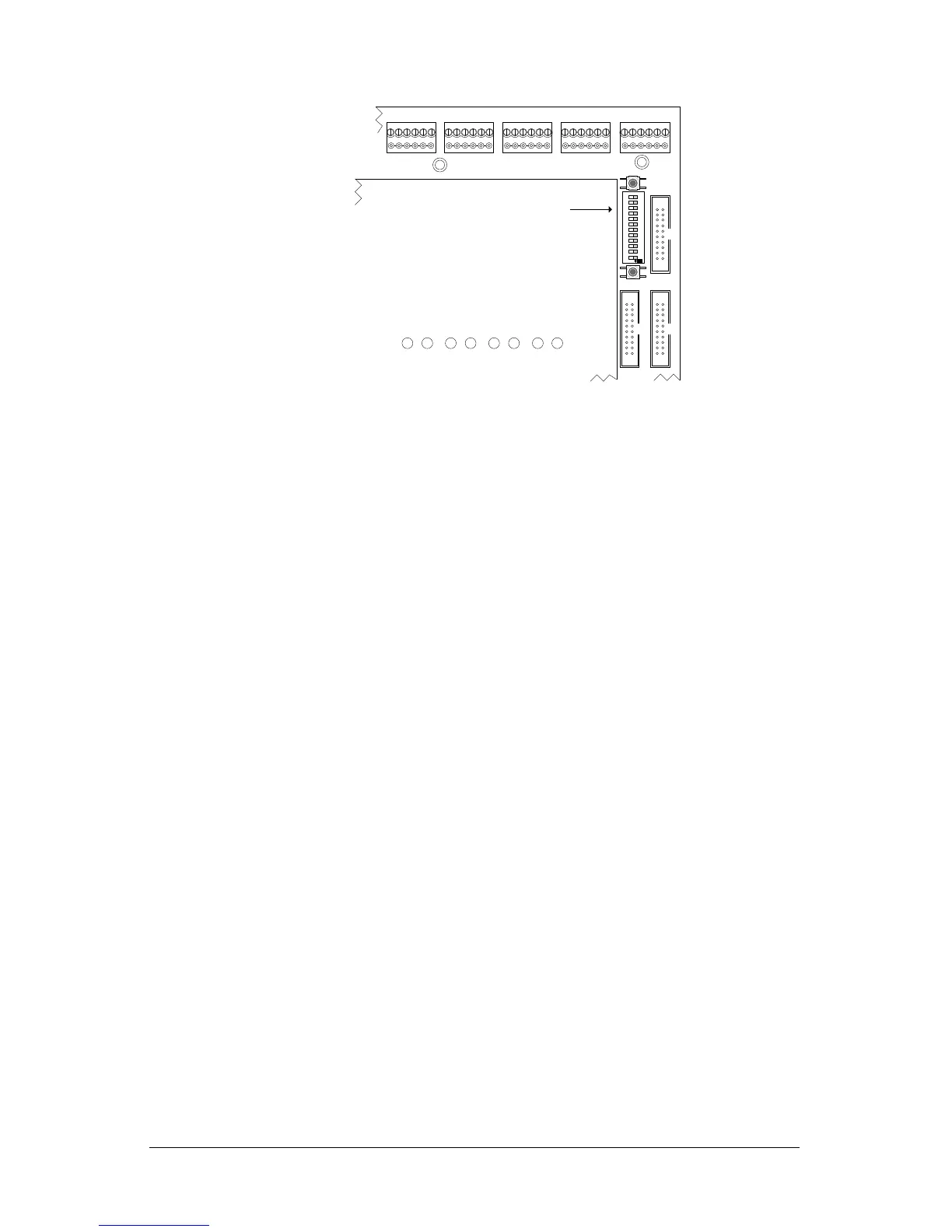
See Figure 5 to Figure 8 for temporary serial programming connections to the
laptop/PC with the NETCOM Program Tool utility.
See Figure 9 and Figure 10 for permanent operating connections on the network.


 To Next Page
 Loading...