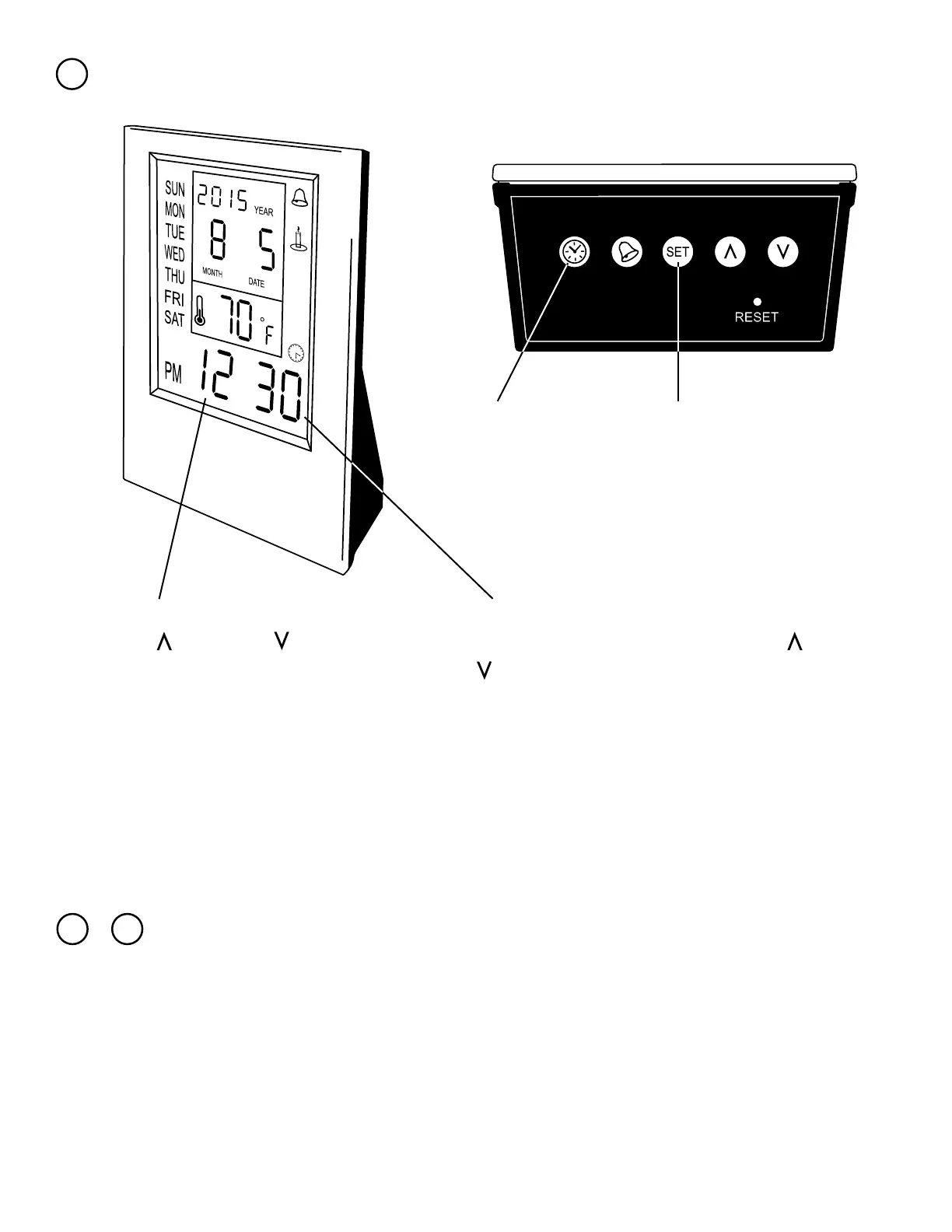
Setting the Timer
3
Push the clock button and the screen will change to
the clock on the lower right and the time at default
0:00.
Now push the set button again. The minutes
should now be ashing. Use the up and down
to adjust the time to the desired minute(s)
that you want to run the timer for.
Finally push the set button again. A number, indicating the countdown has started. Once the
timer is up, it will play the same notication that was set for the alarm.
Hit the set button so that the hour is ashing.
Use the up and down to adjust the time
to the desired number of hours that you want
to run the timer for.
7 8
Temperature & Day
&
When nothing is ashing you can use the set button toggle between
O
F or
O
C.
The day of the week is set automatically when you selected the year. month and day.



 To Previous Page