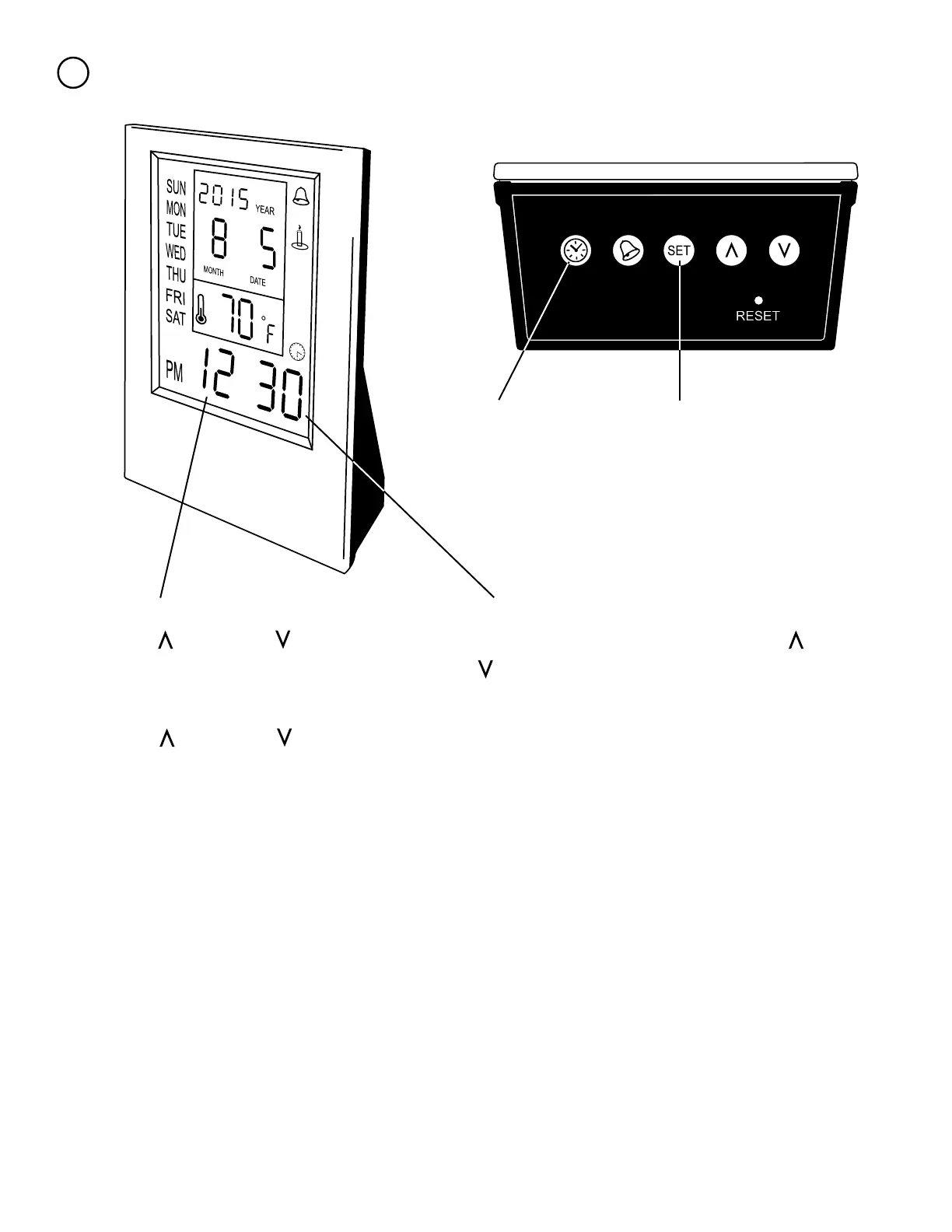
Setting the Alarm
3
Now that the time and date are set. Push the clock
button and the screen will change to the bell in the
upper right and the time at default 12:00.
Now push the set button again. The minutes
should now be ashing. Use the up and down
to adjust the time to the desired minute(s).
Finally push the set button again. A number, indicating notication that will be played is ashing.
Use the up and down to change the notication tune/beep. Once you have selected your
notiction tune/beep, push the set button one last time. Your alarm is now set.
To view your alarm setting without resetting it, you can push the bell button. If it is not correct
you can push the set button to change it using the steps above.
Next is the Birthday / Anniversary Reminder. To set this follow the same steps on page 4,
Setting the Time and Date.
Hit the set button so that the hour is ashing.
Use the up and down to adjust the time
to the desired hour.



 To Next Page