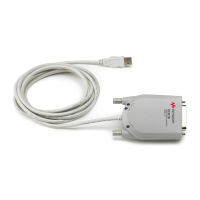
82357B USB/GPIB Interface
2 Installing Keysight IO Libraries Suite
4 82357B Quick Start Guide
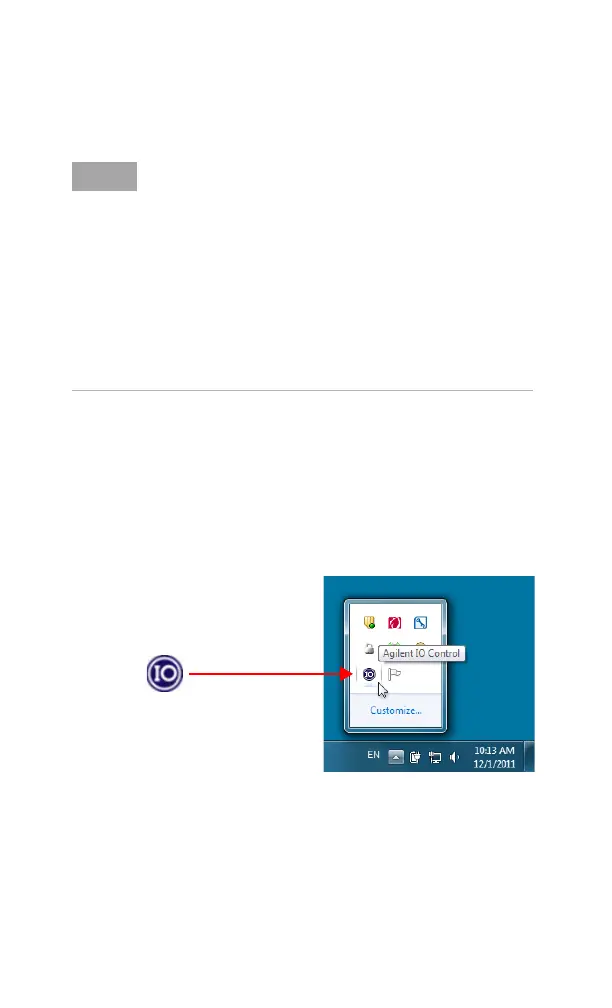
Look for IO icon
After the libraries are installed, an IO icon is displayed on the
Windows taskbar notification area. You can click the icon to
manually run the IO configuration utilities and to display the
online documentation. It is not necessary to use the icon at
this time.
Upgrading your IO Libraries version
If you are upgrading to the latest version of the IO Libraries
Suite from a previous version of the IO Libraries, you must
remove the following instruments and interfaces listed below
before you upgrade your software. This step is necessary in
order for these devices to obtain the correct drivers to work
with Keysight IO Libraries.
• Disconnect any USB instruments from your PC.
• Disconnect any Keysight 82357B USB/GPIB Interface
converters from your PC.
• Disconnect any Keysight E8491 IEEE 1394 PC Link to VXI
interfaces from your PC.


 To Next Page