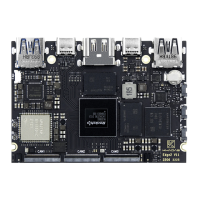
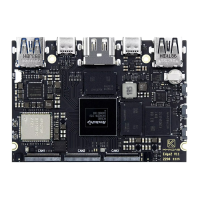
OOWOW Introduction
• VIM4 comes with the OOWOW embedded service.
• Use OOWOW to install your preferred OS directly from the Cloud.
■ OOWOW will start automatically if the device storage is empty.
• Control VIM4 with a display and keyboard, or remotely overWiFi/LAN.
• With OOWOW you will always be in control of your VIM4.
Activate OOWOW: hold Funciton and press Reset
Activate Hotspot: press Function after OOWOW starts
Network Name: vim4-xxxxx (last 5 digits of serial no.)
Further information: https://docs.khadas.com/oowow
Website Introduction
• For more documentation and technical information, you can visit docs.khadas.com.
• If you encounter technical issues during development, seek help at forum.khadas.com.
• To purchase additional accessories, please visit shop.khadas.com.
Data Download Instruction
• Schematics: d I. khadas.com/prod ucts/vi m4/schematic/
• Datasheets: dl.khadas.com/products/vim4/datasheet/
• Specification: dl.khadas.com/products/Vim4/specs/
• 2D DXF: dLkhadas.com/products/vim4/dx"
• 3D CAD: dLkhadas.com/products/Vim4/cad/
After-Sales Service
Please email support@khadas.com if you have any after-sales related questions.


 To Next Page