4183
Features of your vehicle
During the pairing process, make
sure that all connection requests on
the phone are accepted for phone-
book download and to allow accept-
ance of all future connection requests.
and Visit http://www.kia.com/#/blue-
tooth for additional information on
pairing your Bluetooth-enabled
mobile phone, and to view a phone
compatibility list.
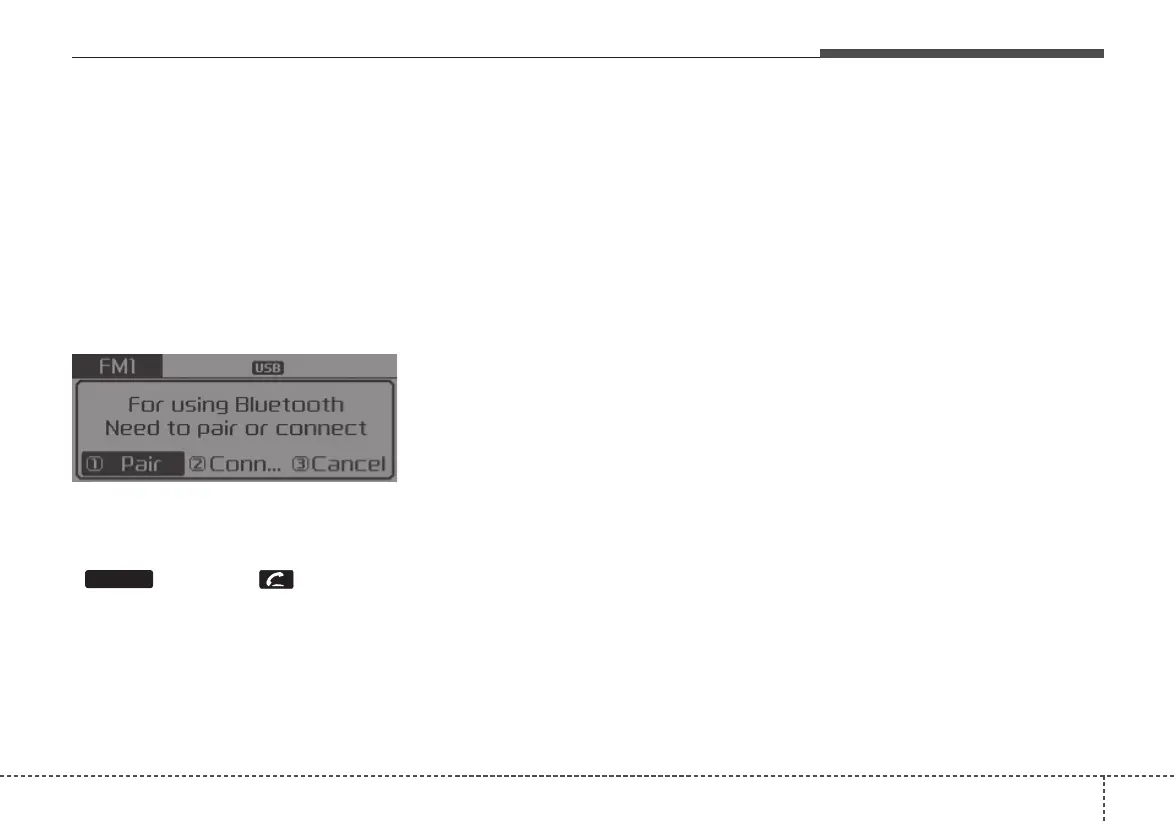
• If
Bluetooth
®
Wireless Technology
devices are paired but none are
currently connected, pressing the
key or the key on the
steering wheel displays the follow-
ing screen. Select [Pair] button to
pair a new device or select
[Connect] to connect a previously
paired device.
PHONE















 To Next Page