Features of your vehicle
1844
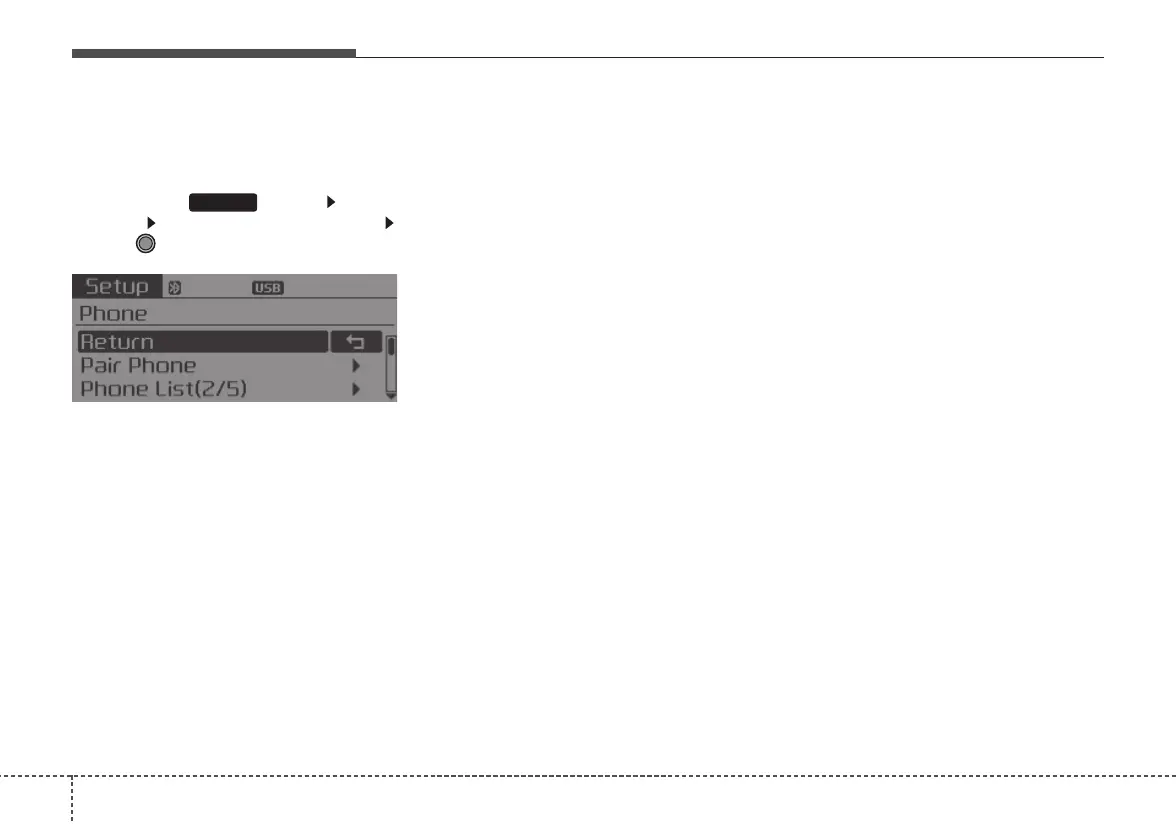
Pairing through [PHONE]
Setup
Press the key Select
[Phone] Select [Pair Phone]
Select TUNE knob
1. The following steps are the same
as those described in the section
"When No Devices have been
Paired" on the previous page.
•
Bluetooth
®
Wireless Technology
features supported within the vehi-
cle are as follows. Some features
may not be supported depending
on your
Bluetooth
®
Wireless
Technology device.
- Outgoing/Incoming Handsfree
calls
- Operations during a call (Switch
to Private, Switch to call waiting,
MIC on/off)
- Downloading Call History
- Downloading Mobile Contacts
-
Bluetooth
®
Wireless Technology
device auto connection
- Bluetooth Audio Streaming
• Up to five
Bluetooth
®
Wireless
Technology devices can be paired
to the Car Handsfree system.
• Only one
Bluetooth
®
device can be
connected at a time.
• Only one
Bluetooth
®
Wireless
Technology device can be connect-
ed at a time.
• Other devices cannot be paired
while a
Bluetooth
®
Wireless
Technology device is connected.
• Only
Bluetooth
®
Wireless Technology
Handsfree and Bluetooth audio relat-
ed features are supported.
• Bluetooth related operations are
possible only within devices that sup-
port Handsfree or audio features,
such as a
Bluetooth
®
Wireless
Technology mobile phone or a
Bluetooth audio device.
• If a connected
Bluetooth
®
Wireless
Technology device becomes discon-
nected due to being out of communi-
cation range, turning the device OFF,
or a
Bluetooth
®
Wireless Technology
communication error, corresponding
Bluetooth
®
Wireless Technology
devices are automatically searched
and reconnected.
• If the system becomes unstable due
to communication errors between
the car Handsfree and the
Bluetooth
®
Wireless Technology device, reset
the device by turning off and back on
again. Upon resetting
Bluetooth
®
Wireless Technology device, the sys-
tem will be restored.
SETUP















 To Next Page