Audio system
525
Preset
Press the [1] ~ [6] button
• Shortly pressing the button : Plays
the channel saved in the corre-
sponding button.
• Pressing and holding the button :
Pressing and holding the desired
button from [1] ~ [6] will save the
current broadcast to the selected
button and sound a BEEP.
✽✽
Troubleshooting
1. Antenna Error
If this message is displayed, the
antenna or antenna cable is bro-
ken or unplugged. Please consult
with your Kia dealership.
2. No Signal
If this message is displayed, it
means that the antenna is covered
and that the SiriusXM Satellite
Radio signal is not available.
Ensure the antenna is uncovered
and has a clear view of the sky.
Tun e
• Rotate
TUNE
knob : Changes the
channel number or scrolls catego-
ry list.
• Press
TUNE
knob : Selects the
menu.
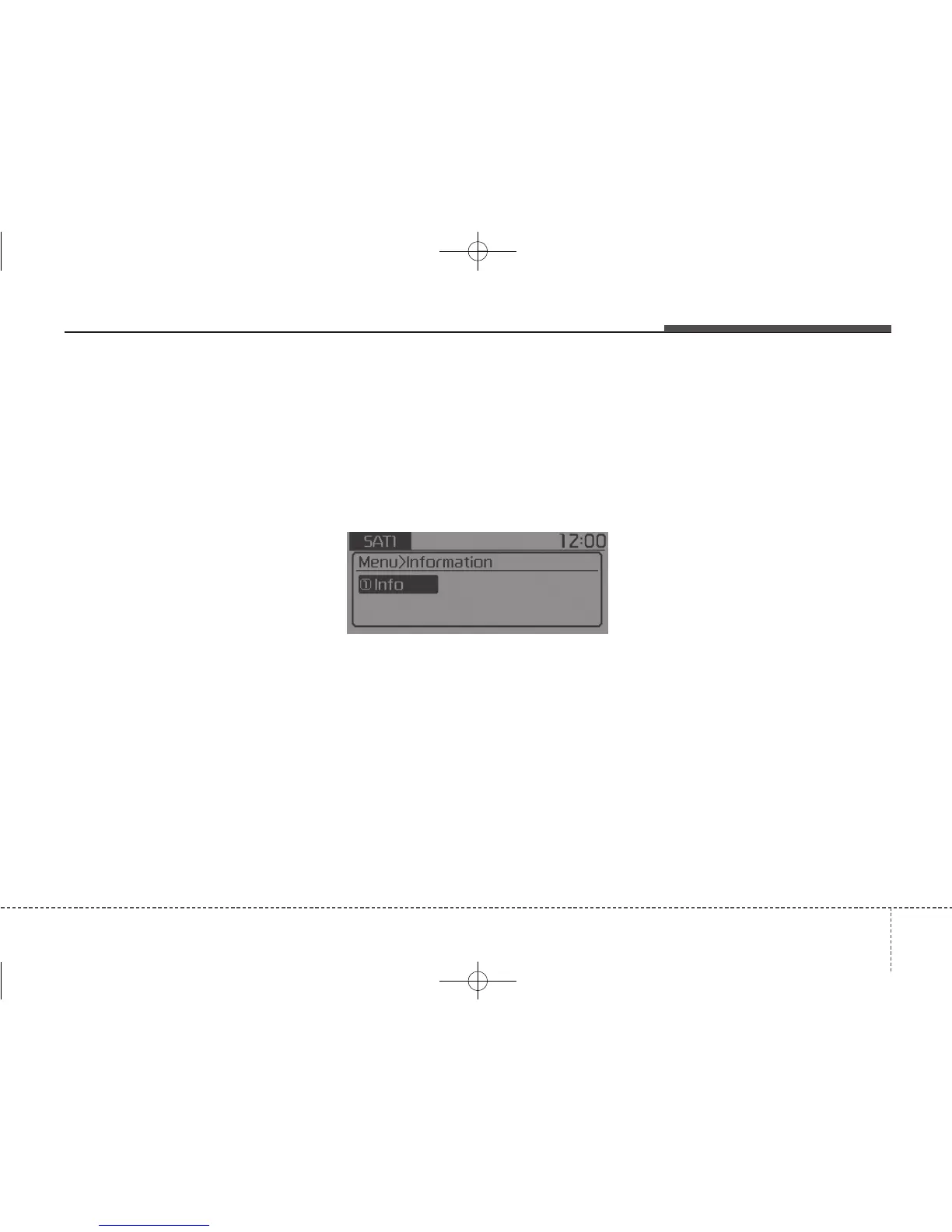
Menu : SiriusXM Radio
Press the [MENU] button.
Info (Information) : [1] Button
Displays the Artist/Song info of the
current song.



 To Next Page