Audio system
265
Media Mode
With the Media Mode Button
Press the [MEDIA] button to change
the mode in order of CD ➟
USB(iPod
®
) ➟ AUX ➟ My Music ➟ BT
Audio.
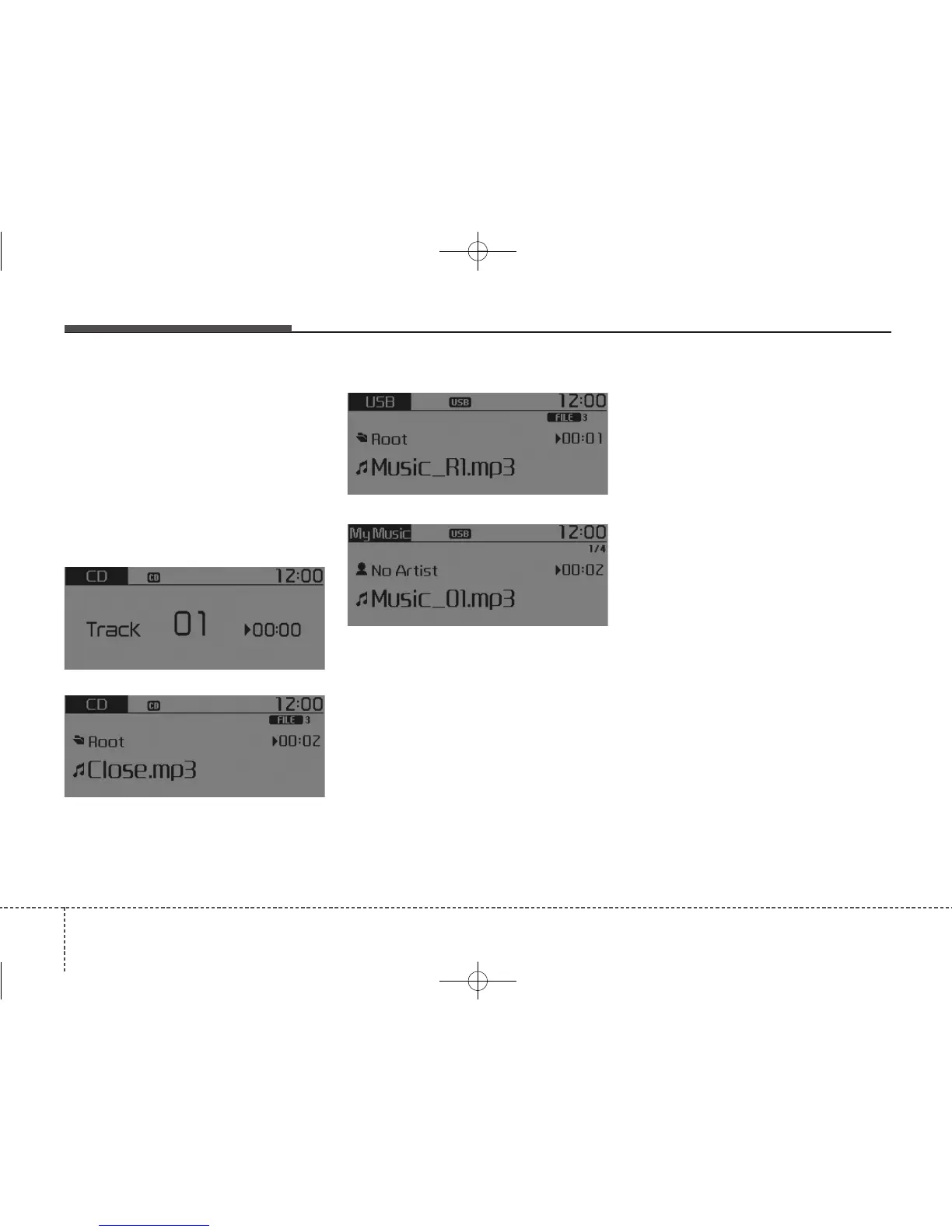
The folder/file name is displayed on
the screen.
The CD is automatically played when
a CD is inserted.
The USB music is automatically
played when a USB is connected.
Repeat
While song (file) is playing
[RPT]
button
Audio CD, MP3 CD, USB, iPod
®
, My
Music mode : RPT on screen
• To repeat one song (press the but-
ton) : Repeats the current song.
MP3 CD, USB mode : FLD.RPT on
screen
• To repeat folder (press the button
twice) : repeats all files within the
current folder.
Press the [RPT] button again to turn
off repeat.
■ My Music Mode
■ USB Mode
■ MP3 CD Mode
■ Audio CD Mode



 To Next Page