Audio system
553
1) Connect/Disconnect Phone :
Connect/ disconnects currently
selected phone
2) Change Priority : Sets currently
selected phone to highest connec-
tion priority
3) Delete : Deletes the currently
selected phone
4) Return : Moves to the previous
screen
• To learn more about whether your
mobile phone supports contact
downloads, refer to your mobile
phone user’s manual.
• The contacts for only the connect-
ed phone can be downloaded
Downloading Contacts
Press the [SETUP/CLOCK] button
Select [Phone]
Select [Contacts
Download]
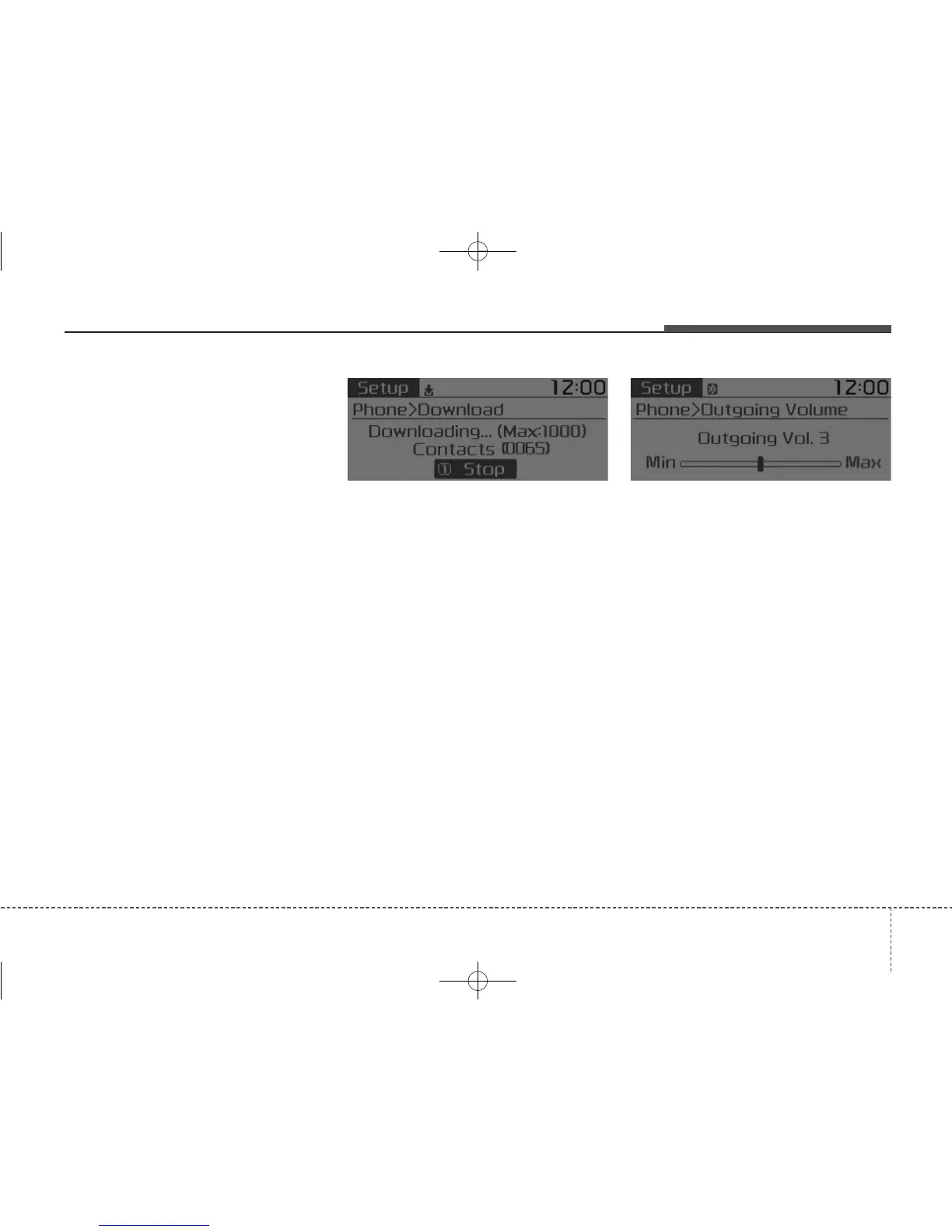
As the contacts are downloaded
from the mobile phone, a download
progress bar is displayed.
• Upon downloading phone con-
tacts, the previous corresponding
data is deleted.
• This feature may not be supported
in some mobile phones.
• Voice Recognition may not operate
while contacts are being down-
loaded.
Outgoing Volume
Press the [SETUP/CLOCK] button
Select [Phone]
Select
[Outgoing Volume]
Use
TUNE
knob to adjust the outgo-
ing volume level.
• While on a call, the volume can be
changed by using the [SEEK
TRACK] button.



 To Next Page