Audio system
545
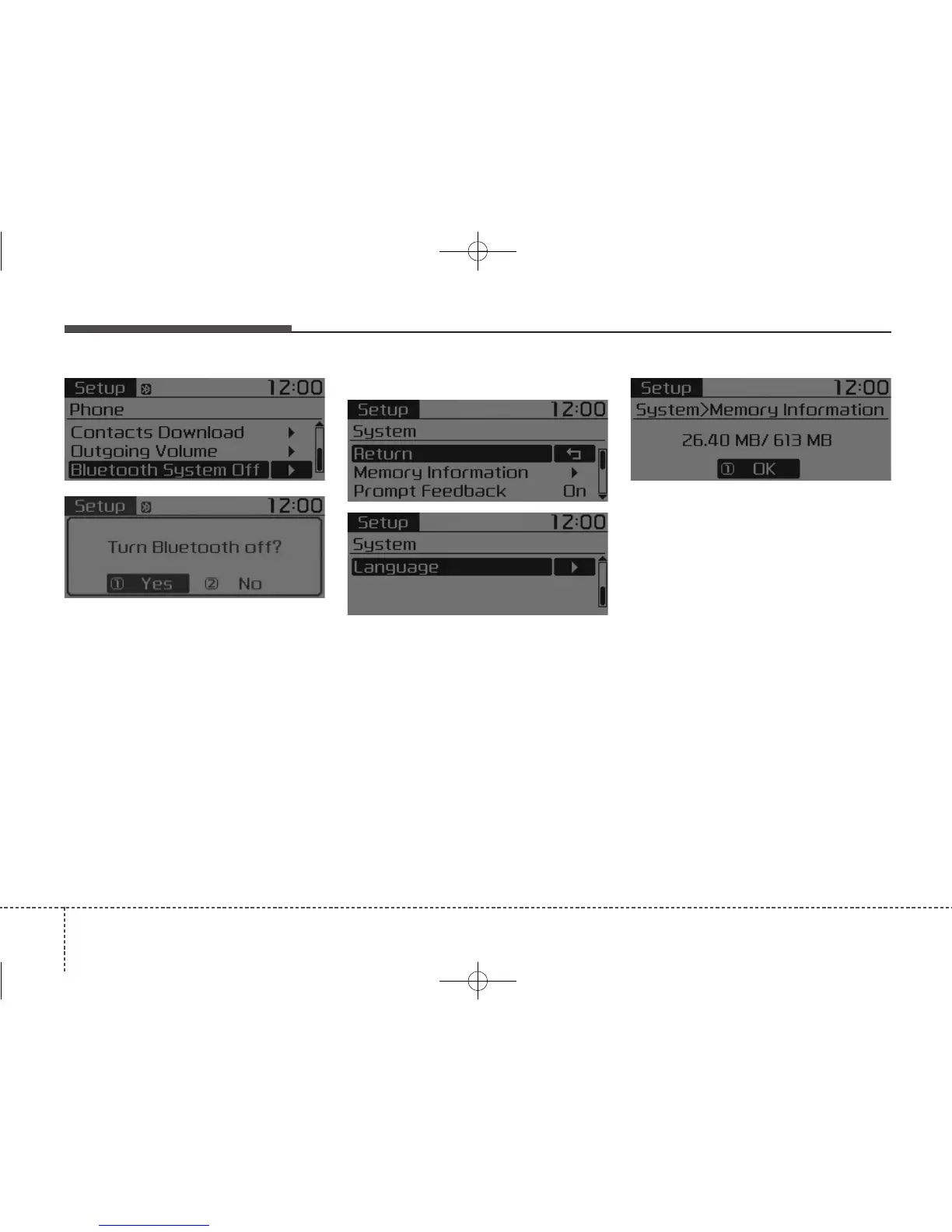
Turning Bluetooth System Off
Press the [SETUP/CLOCK] button
Select [Phone]
Select
[Bluetooth System Off]
Once
Bluetooth
®
Wireless Technology
is turned off,
Bluetooth
®
Wireless
Technology related features will not
be supported within the audio sys-
tem.
• To turn
Bluetooth
®
Wireless
Technology back on, go to
[SETUP/CLOCK]
[Phone] and
select “Yes”.
With the System Button
Press the [SETUP/CLOCK] button
Select [System]
Memory Information
Displays currently used memory and
total system memory.
Select [Memory Information]
OK
The currently used memory is dis-
played on the left side while the total
system memory is displayed on the
right side.



 To Next Page