Audio system
825
Changing Files
Press the [SEEK TRACK] button to
move to the previous or next file.
Pressing the [
SEEK TRACK
∨∨
] but-
ton after the file has been playing for
2 seconds will start the current file
from the beginning.
Pressing the [
SEEK TRACK
∨∨
] but-
ton before the file has been playing
for 1 second will start the previous
file.
Selecting from the List
Turn the TUNE knob left/right to
search for the desired file.
Once you find the desired file, press
the TUNE knob to start playing.
Rewinding / Fast-forwarding Files
While playing, press and hold the
[SEEK TRACK] button to
rewind or
fast-forward the current file.
Scan
Press the [SCAN] button to play the
first 10 seconds of each file.
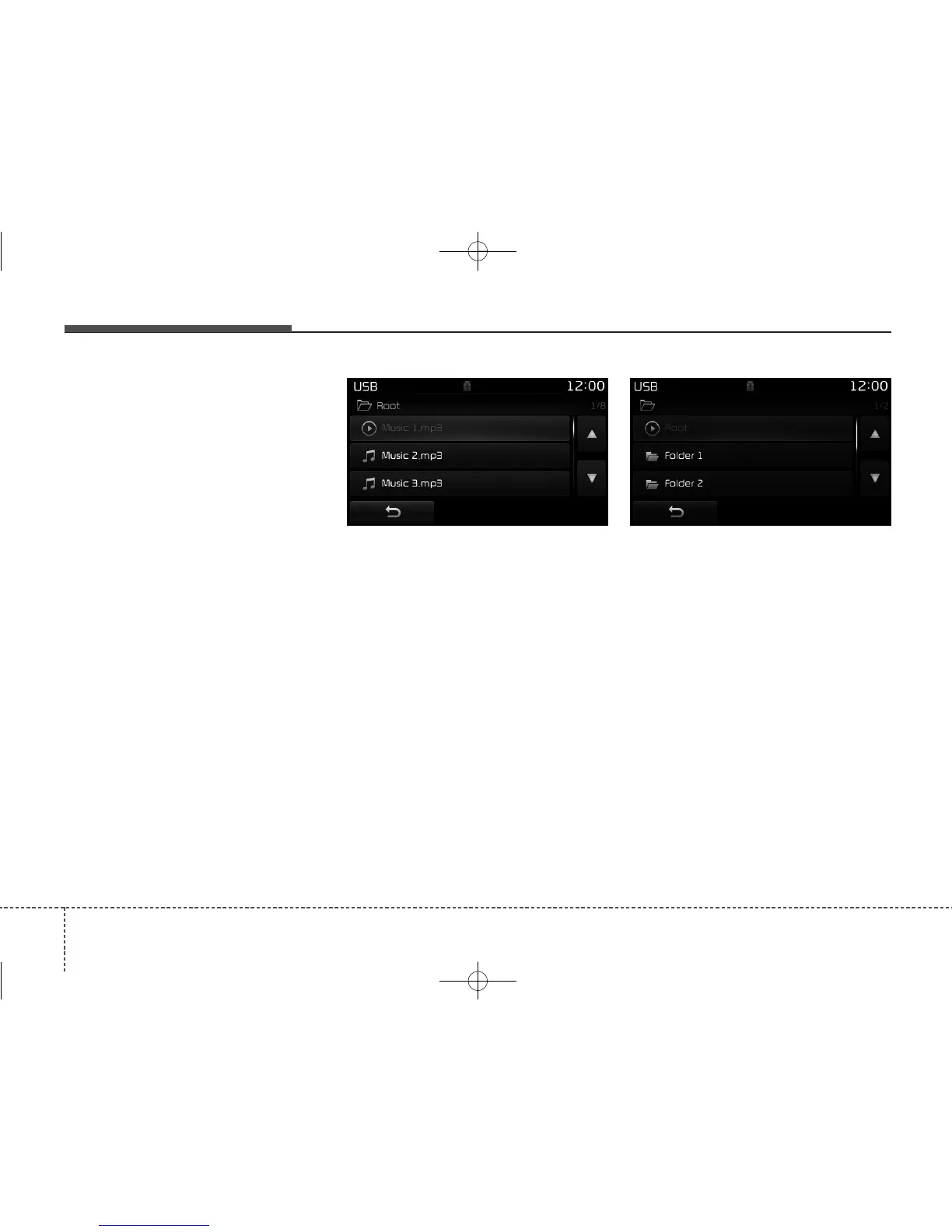
Searching Folders
Press the [CAT/FOLDER] button to
select and search folders.
Once the desired folder is displayed,
press the TUNE knob to select.
The first file within the selected fold-
er will begin playing.



 To Next Page