Audio system
885
MENU :
Bluetooth
®
Wireless
Technology Audio
Using Bluetooth
®
Wireless Technology
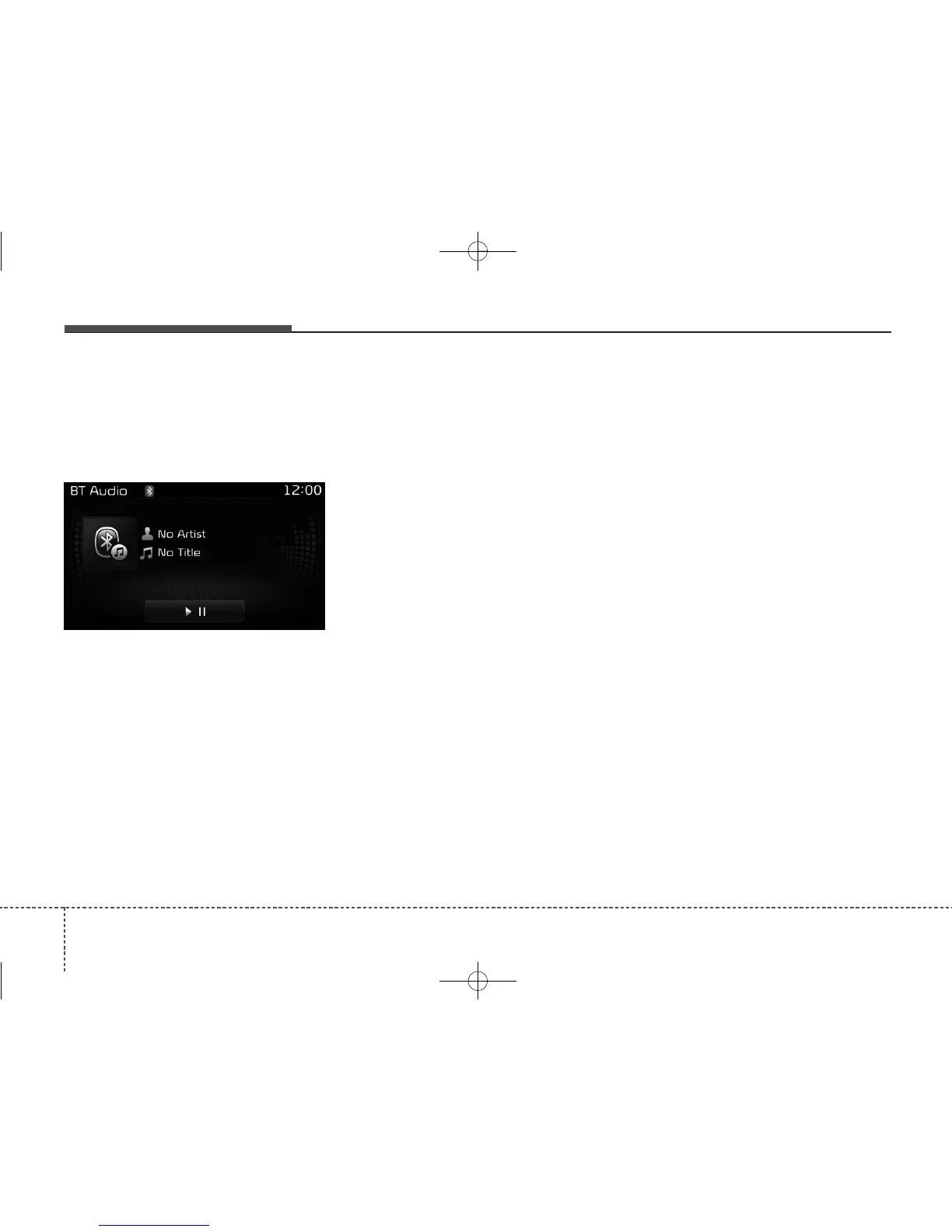
Audio Mode
Playing/Pausing Bluetooth
®
Wireless
Technology Audio
Once a
Bluetooth
®
Wireless Technology
device is connected, the mode will
automatically start.
While playing, press the [
II
] button
to pause and press [
II
] button to
play.
The play/pause feature may operate
differently depending on the mobile
phone.
Changing Files
Press the [SEEK TRACK] button to
move to the previous or next file.
Setting Connection
If a
Bluetooth
®
Wireless Technology
device has not been connected, press
the [SETUP] button
[Phone]
button
to display the
Bluetooth
®
Wireless
Technology connection screen.
It is possible to use the pair phone,
connect/disconnect and delete fea-
tures from your
Bluetooth
®
Wireless
Technology phone.
If music is not yet playing from your
mobile device after converting to
Bluetooth
®
Wireless Technology
Audio mode, pressing the play button
once may start playing the mode.
Check to see that music is playing
from the
Bluetooth
®
Wireless
Technology device after converting
to
Bluetooth
®
Wireless Technology
Audio Mode.



 To Next Page