Audio system
591
✽✽
NOTICE
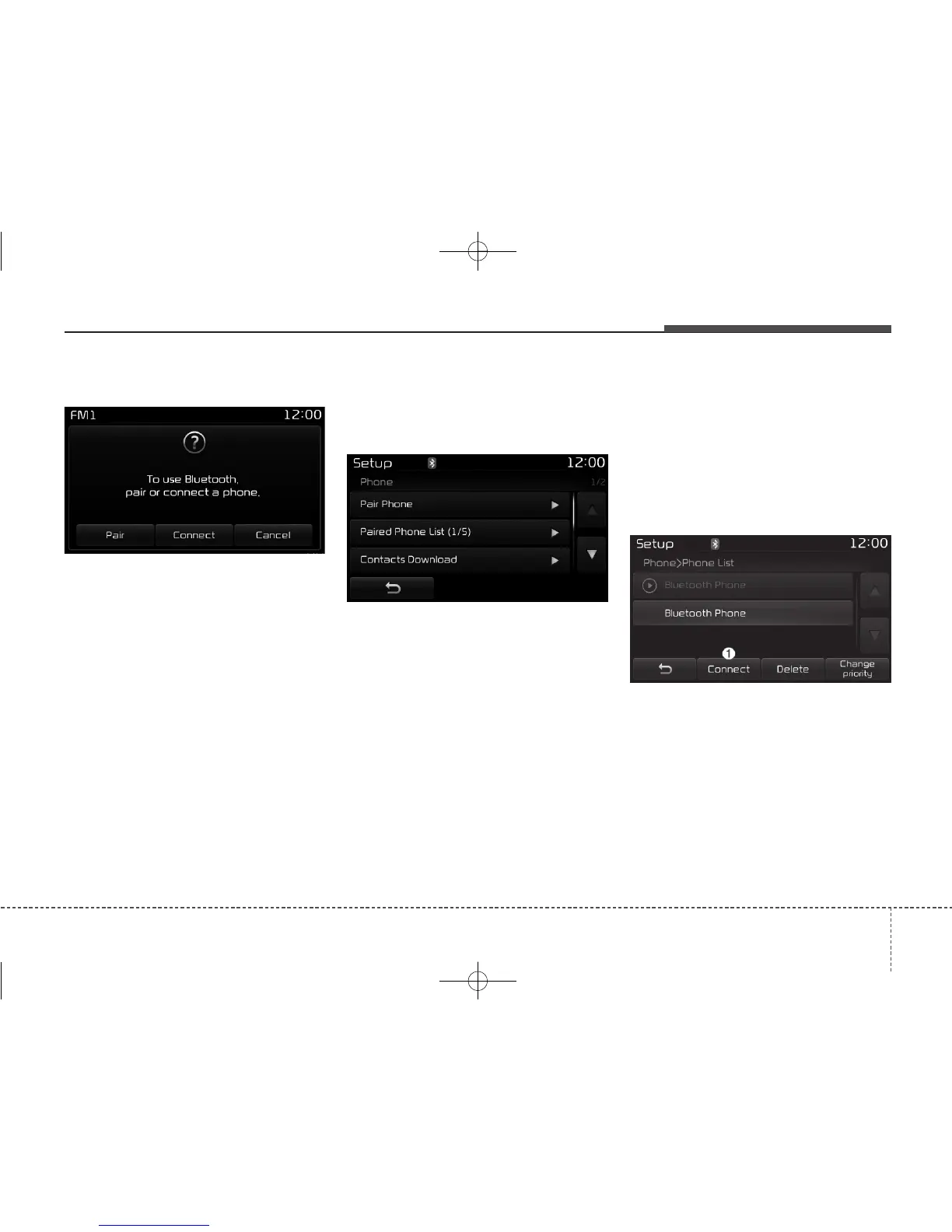
If Bluetooth
®
Wireless Technology
devices are paired but none are cur-
rently connected, pressing the
[PHONE] button or the [CALL] but-
ton on the steering wheel controls dis-
plays the following screen. Press the
[Pair] button to pair a new device or
press the
[Connect]
to connect a previ-
ously paired device.
Pairing through [PHONE] Setup
Press the [SETUP] button
Select
[Pair]
Pair Phone
The following steps are the same as
those described in the section “When
No Devices have been Paired” on the
previous page.
Paired Phone List
Press the [SETUP] button
Select
[Phone]
Select
[Pair Phone List]
• Connected Phone : Device that is
currently connected
• Paired Phone : Device that is
paired but not connected
Connecting a Device
From the paired phone list, select the
device you want to connect and
press the [Connect](1) button.



 To Next Page