Audio system
1105
✽✽
NOTICE - Before
Downloading
Contacts
• Only contacts within connected
phones can be downloaded. Also
check to see that your mobile
phone supports the download fea-
ture.
• To learn more about whether your
mobile phone supports contact
downloads, refer to your mobile
phone user’s manual.
• The contacts for only the connect-
ed phone can be downloaded.
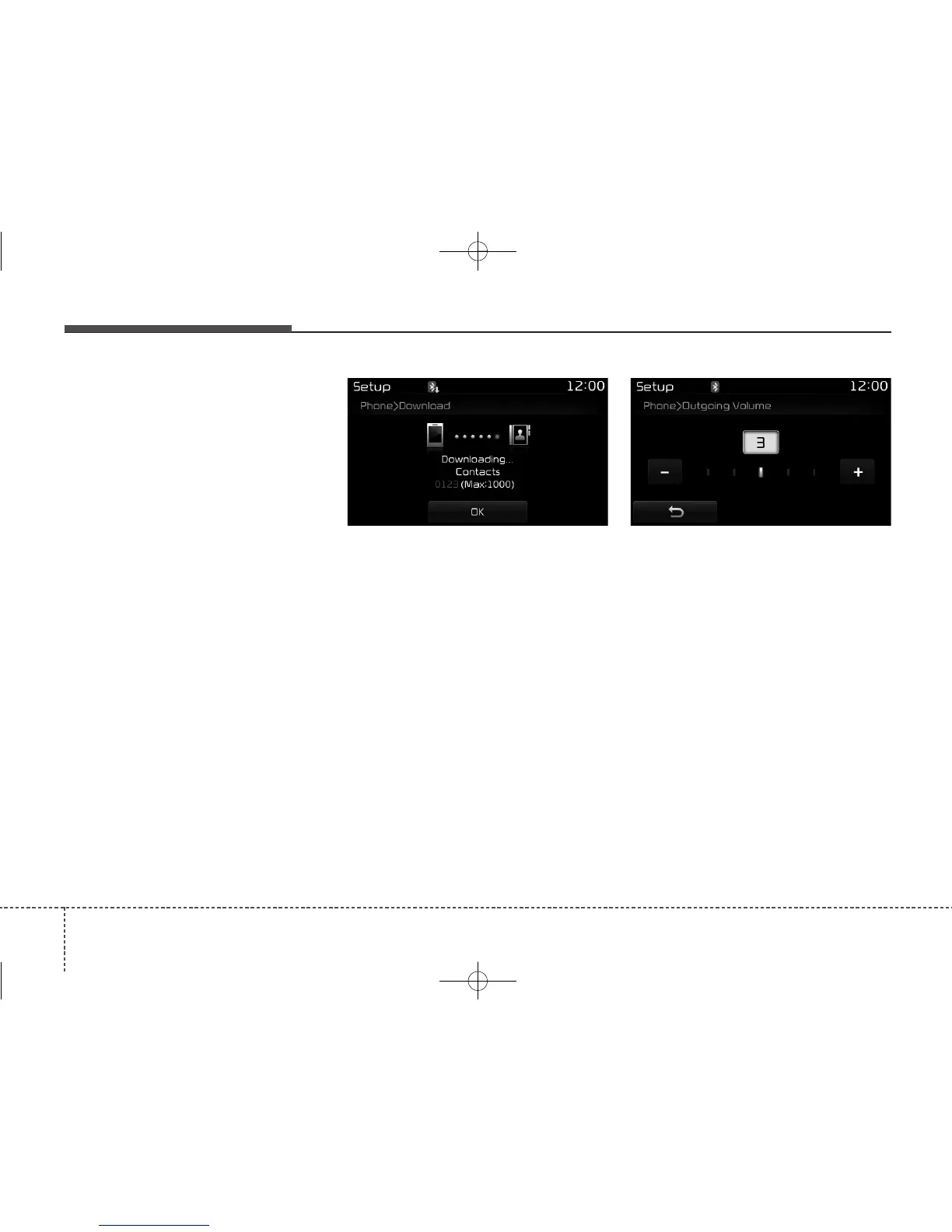
Downloading Contacts
As the contacts are downloaded
from the mobile phone, a download
progress bar is displayed.
• Upon downloading phone con-
tacts, the previous corresponding
data is deleted.
• This feature may not be supported
in some mobile phones.
• Voice Recognition may not operate
while contacts are being down-
loaded.
Outgoing Volume
Use the [-], [+] buttons to adjust the
outgoing volume level.
While on a call, the volume can be
changed by using the [SEEK
TRACK] button.



 To Next Page