Driving your vehicle
444
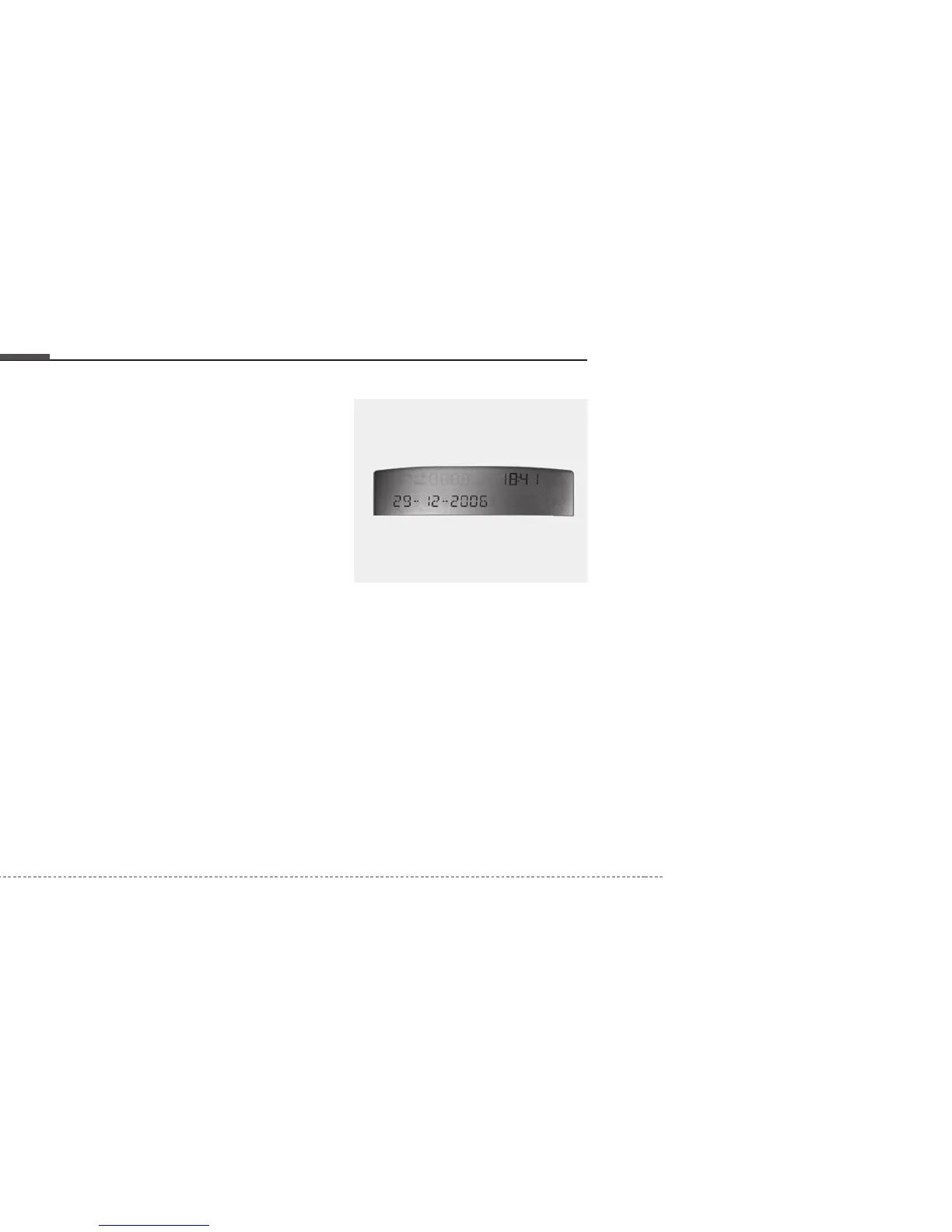
Calendar setup mode
If you press the MODE button for
more than 2 seconds whilst in the
calendar mode, you will enter the
calendar setup mode. The order of
the setup is YEAR
➝
MONTH
➝
DAY.
To go to the next setting press the
MODE button less than 1second and
set the data using the UP(
▲) and
DOWN(▼) button whilst the selected
setting blinks.
Clock setup mode
If you press the MODE button for
more than 2 seconds whilst in other
modes, you will enter the clock setup
mode. The order of the setup is
HOUR
➝
MINUTE.
To go to the next setting press the
MODE button less than 1second and
set the data using the UP(
▲) and
DOWN(▼) button whilst the selected
setting blinks.
When the minute digit is lower than
30 and the RESET button is pressed
less than 1 second, the minute digit
will change to :00 whilst the hour
digit does not change.
When the minute digit is over 30 and
the RESET button is pressed less
than 1 second, the minute digit will
change to :00 whilst the hour digit
increases 1 hour.
Type B - with navigation
The calendar mode is displayed in
every mode.
To enter the calendar and clock set
up mode whilst in other modes,
press the MODE button for more
than 2 seconds. The order of the
setup is
HOUR
➝
MINUTE
➝
YEAR
➝
MONTH
➝
DAY.
To go to the next setting press the
MODE button less than 1 second
and set the data using the UP(
▲)
and DOWN(▼) button whilst the
selected setting blinks.
OED046022



 To Next Page